Operating the iVent201 – Setting Modes and Parameters
98
First, dial the control knob to select the desired Pressure value,
then press the knob to enter the value and highlight the Flow
gauge. Dial to select the desired Flow value, then press the
knob to confirm and enter. You will be returned to the
previous screen, with the values you selected displayed.
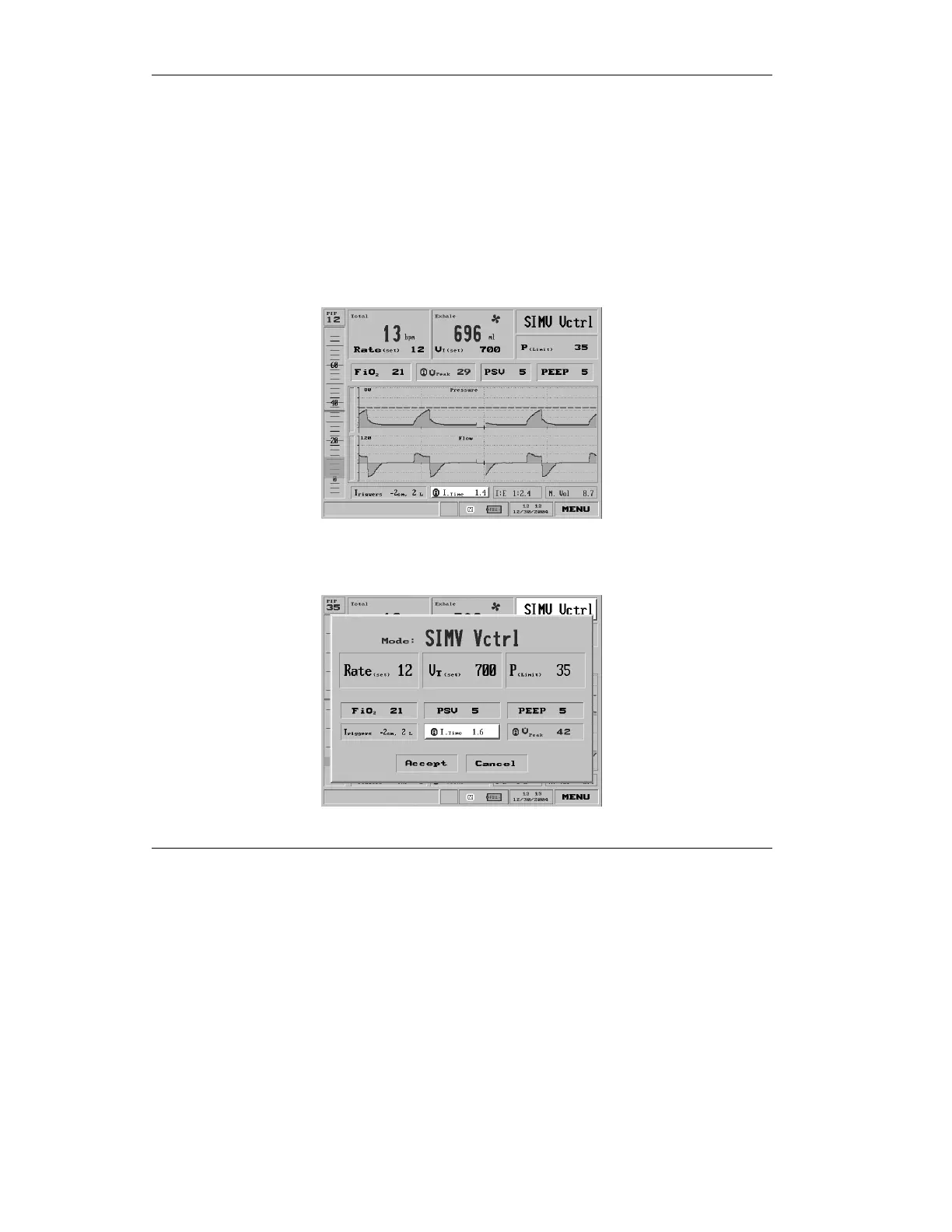
3.3.9 Adjusting Inspiratory Time
Select the Inspiratory Time setting from the middle of the lower
portion of the Main screen:
Figure 3.38 Inspiratory Time selected on the Main screen
or the Mode Parameters screen:
Figure 3.39 Inspiratory Time selected on the Mode Parameters screen



 To Next Page