Operating the iVent201 – Setting Modes and Parameters
80
3.3.1 Adjusting Breath Rate
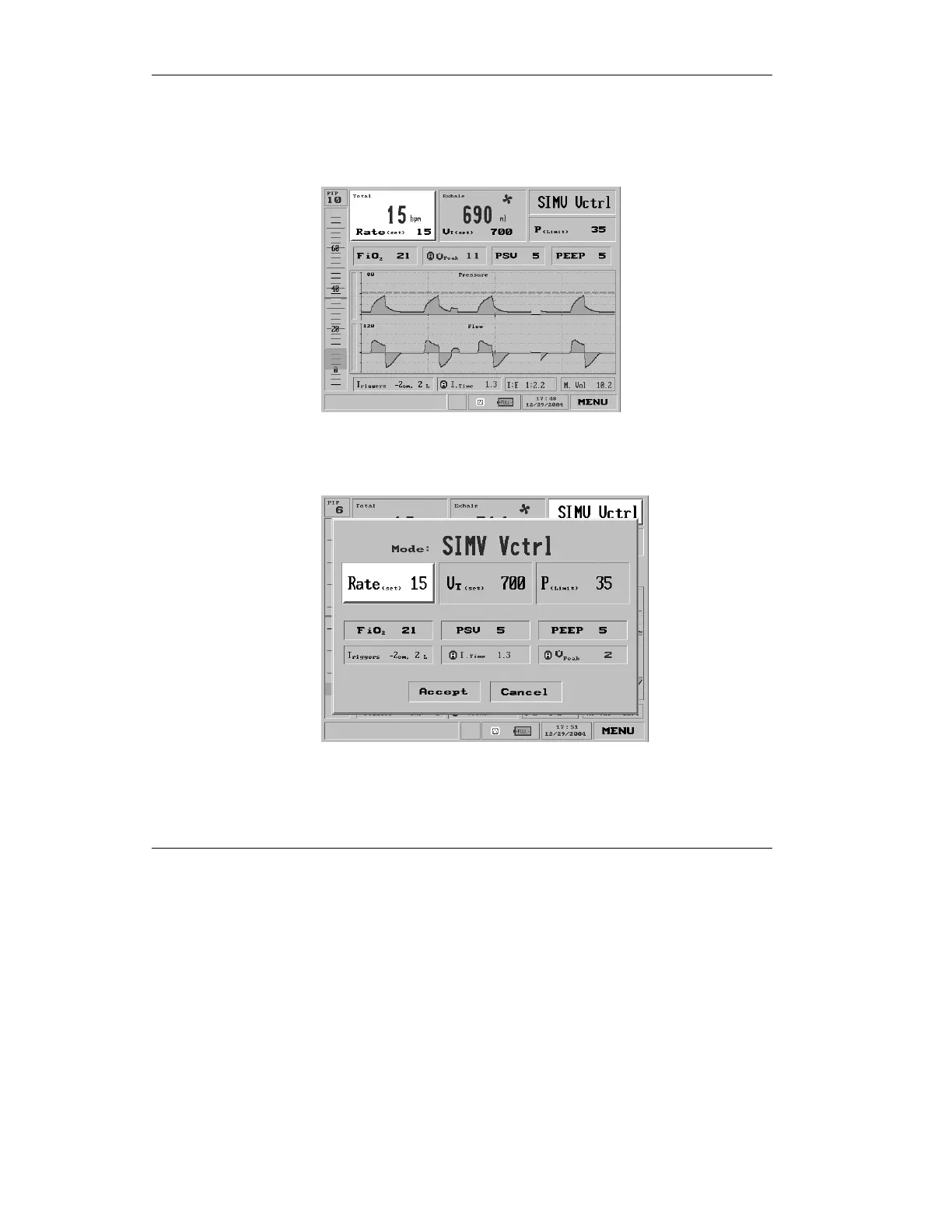
Select the Respiratory Rate settings box from the topmost left
side of the Main screen
Figure 3.10 The Respiratory Rate selection highlighted on the Main
screen (SIMV Volume)
or the Mode Parameter screen
Figure 3.11 Respiratory Rate selection highlighted on the Mode
Parameter screen (SIMV Volume)
Press the control knob to call up the Set Rate pop-up.



 To Next Page