iVent201 Operator's Manual
81
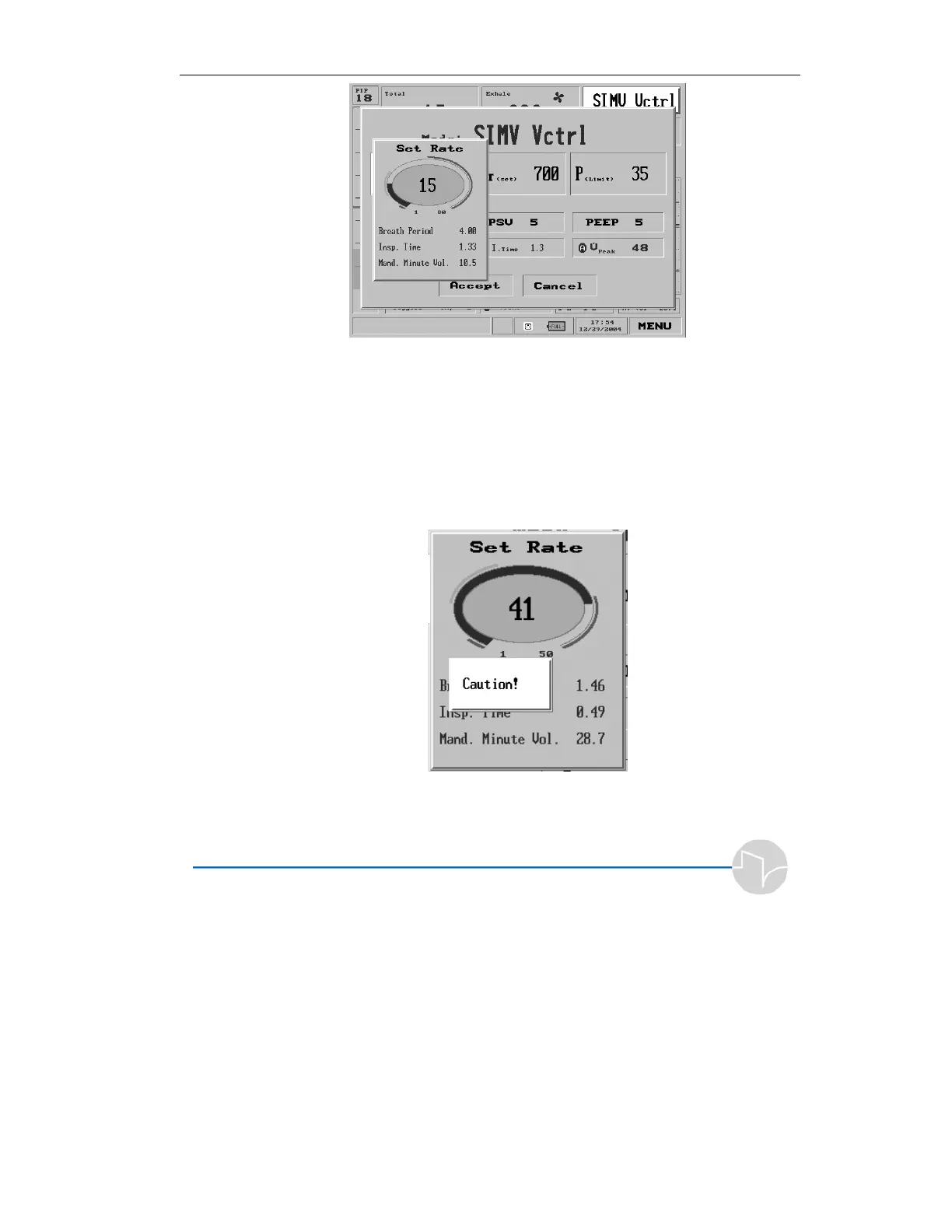
Figure 3.12 The Set Rate pop-up
Turn the control knob to change the rate, measured in breaths
per minute. Notice that the calculated values for Breath Period,
Inspiratory Time, and Mandatory Minute Volume change
automatically. As a precaution, if a rate exceeds or fails to meet
recommended settings for the patient weight, a bright yellow
Caution! flag appears.
Figure 3.13 This Respiratory Rate setting of 41 exceeds the
recommended value



 To Next Page