Alarms
194
6.1.1 Responding to an Alarm
Silence the alarm by:
1. Rectifying the condition which caused the alarm.
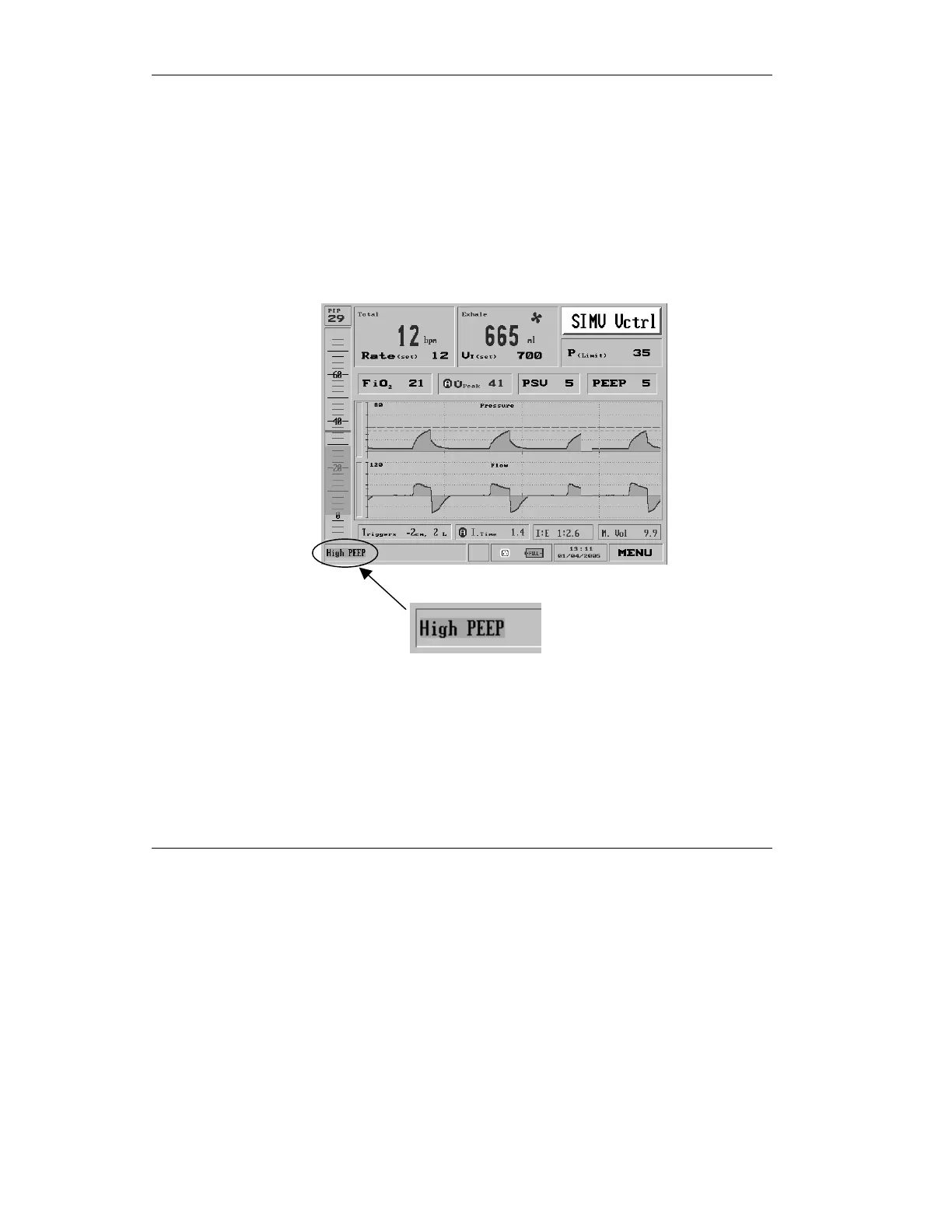
This will stop the alarm sound and minimize the
pop-up alarm. The minimized alarm will show in
green with a brief text message describing the alarm
condition.
Figure 6.1 Corrected High PEEP alarm



 To Next Page