iVent201 Operator's Manual
195
2. Pressing the clear button on the
keypad. This will silence the
alarm sound and minimize the
pop-up alarm. If the condition
which caused the alarm is not
resolved, the minimized alarm
is colored red and labelled with
a text message describing the
alarm condition. After 30
seconds, the alarm pop-up will
maximize and sound an audible
alert.
WARNING: Rectify all alarm conditions immediately.
Always make sure that the patient is safe. An alternate
means of ventilation must be available at all times.
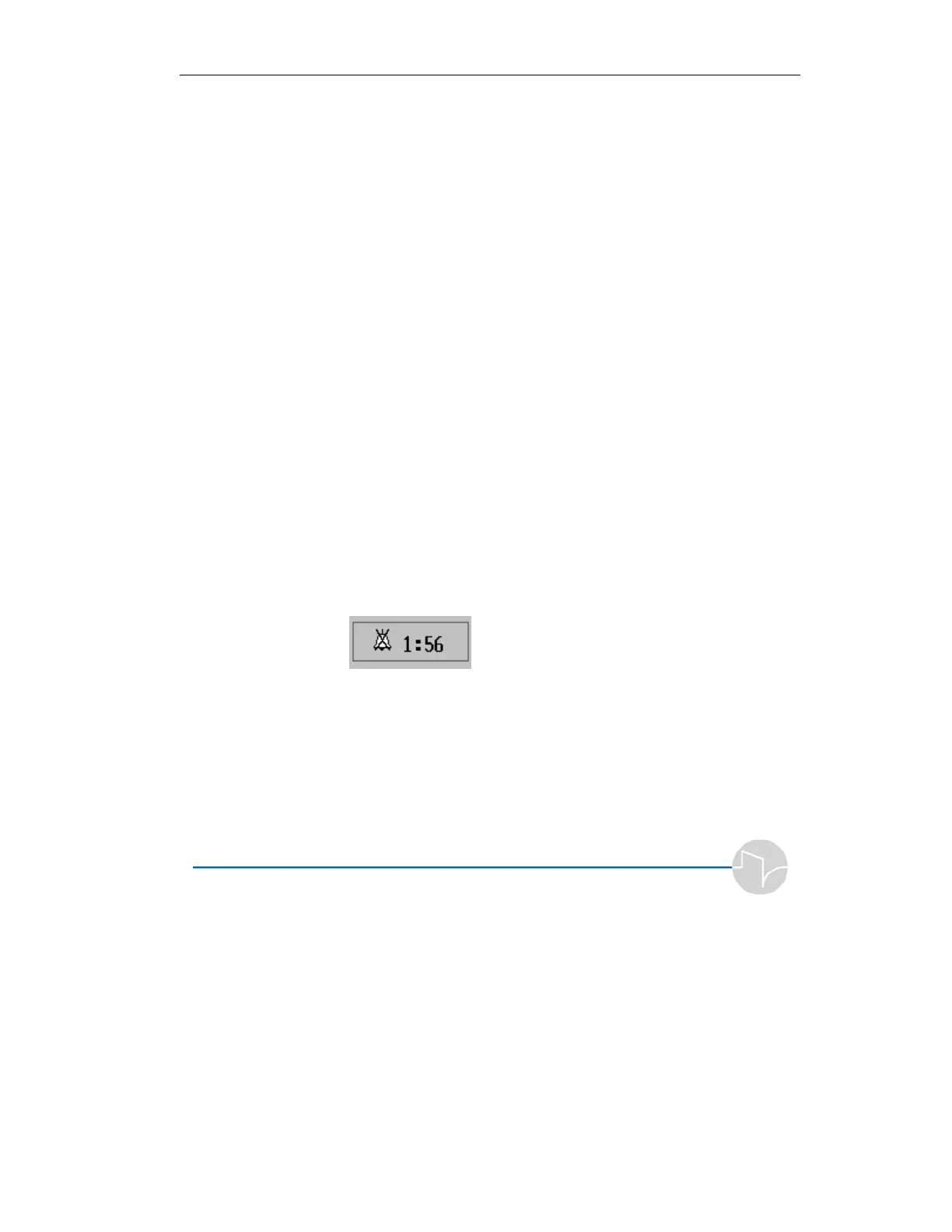
3. Pressing the red silence button
on the keypad. This will silence
the alarm sound and minimize
the pop-up alarm. A two-
minute timer will start, shown
in the bottom right beside an
icon showing a crossed-out bell.
Figure 6.2 Silenced Alarm icon



 To Next Page