iVent201 Operator's Manual
91
Changing the FiO
2
percentage will automatically change the O
2
alarm based on a default margin of +20%, - 10% O
2
. (The O
2
alarm parameters can be adjusted from the Alarm Settings
screen: see section 4.2.1.5, page 113.)
If while the ventilator is operating the Low O
2
Pressure Alarm
is triggered, pressing clear or silence will clear the Alarm pop-
up. Once the pop-up is minimized, the FiO
2
box on the Main
screen will turn red and display the measured FiO
2
in flashing
black numerals.
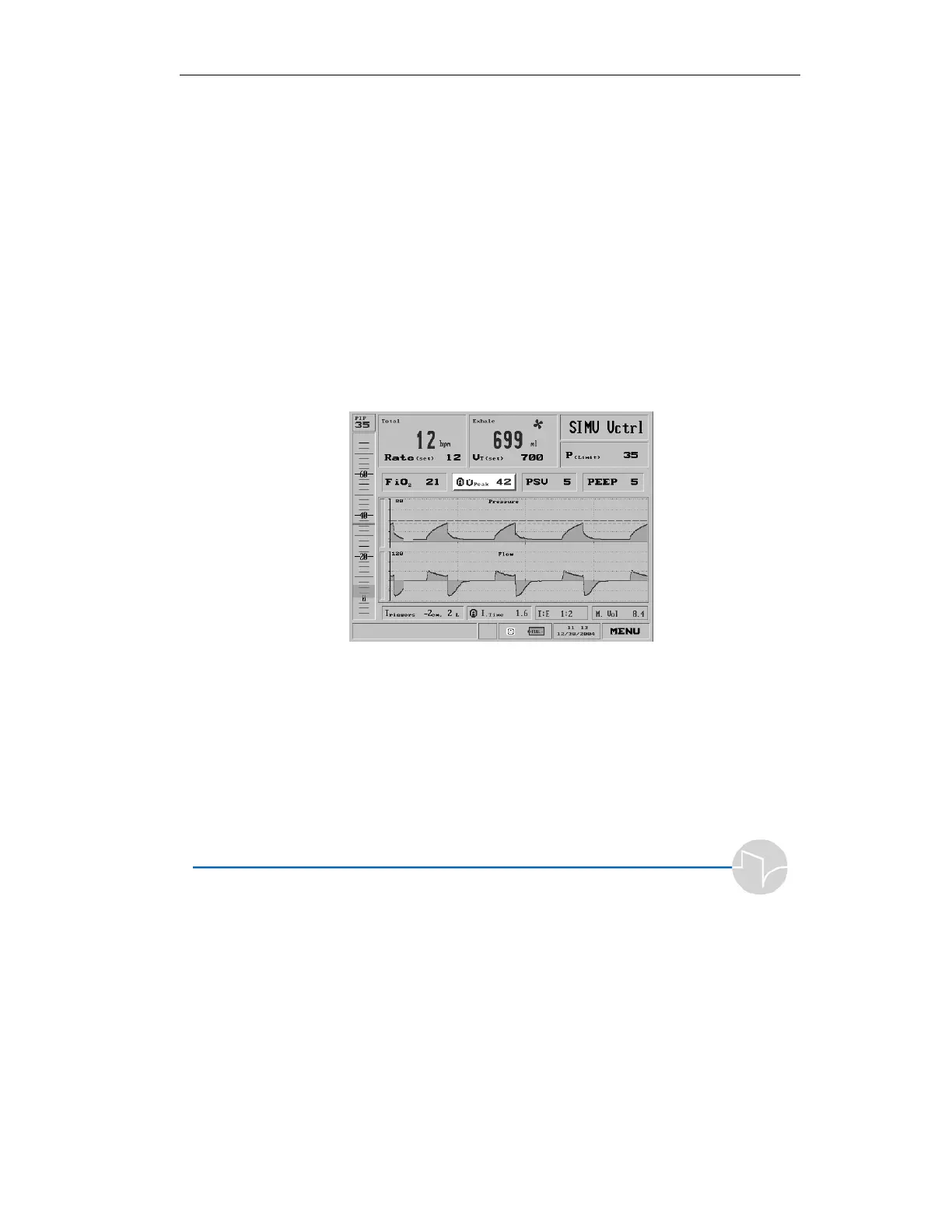
3.3.5 Adjusting Peak Flow
Select the Peak Flow setting from the second row of boxes on
the Main screen:
Figure 3.24 Peak flow highlighted on the Main screen
or the Mode Parameters screen:



 To Next Page