Operating the iVent201 – Setting Modes and Parameters
90
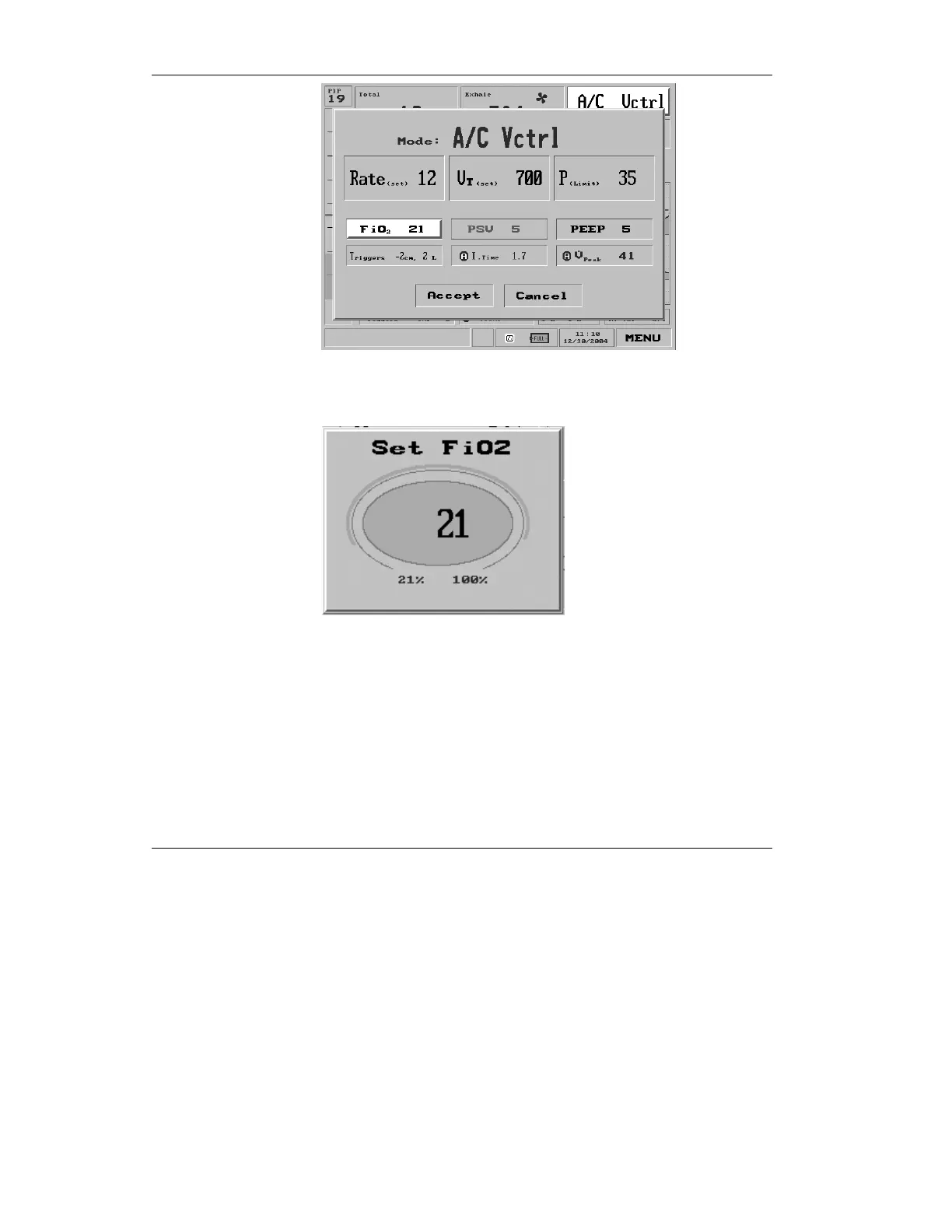
Figure 3.22 FiO
2
shown selected on the Mode screen (A/C Vctrl)
will bring up the FiO
2
pop-up.
Figure 3.23 The FiO
2
pop-up
When the FiO
2
pop-up appears, turning the control knob
adjusts the FiO
2
level. The range is 21% to 100%. When you
have set the knob to the desired level, press to confirm and
accept the new value. If you wish to abort the change, press the
clear button.



 To Next Page