iVent201 Operator's Manual
173
5. To unfreeze the currently-
displayed loop, rotate the
control bar until Free is
highlighted, then press. As
soon as the current breath is
completed, the frozen loop will
disappear and the display will
resume its default behavior,
drawing each new loop in blue
and displaying the two previous
loops in black.
⇒ To switch back to the default Pressure/Flow graph view
and get rid of Loops, select Show Graphs from the Main
Menu.
4.8 Show Mechanics
The iVent
201
will calculate and display Mean Airway Pressure,
Resistance, Compliance, RR/Vt, Static Compliance, Auto-PEEP,
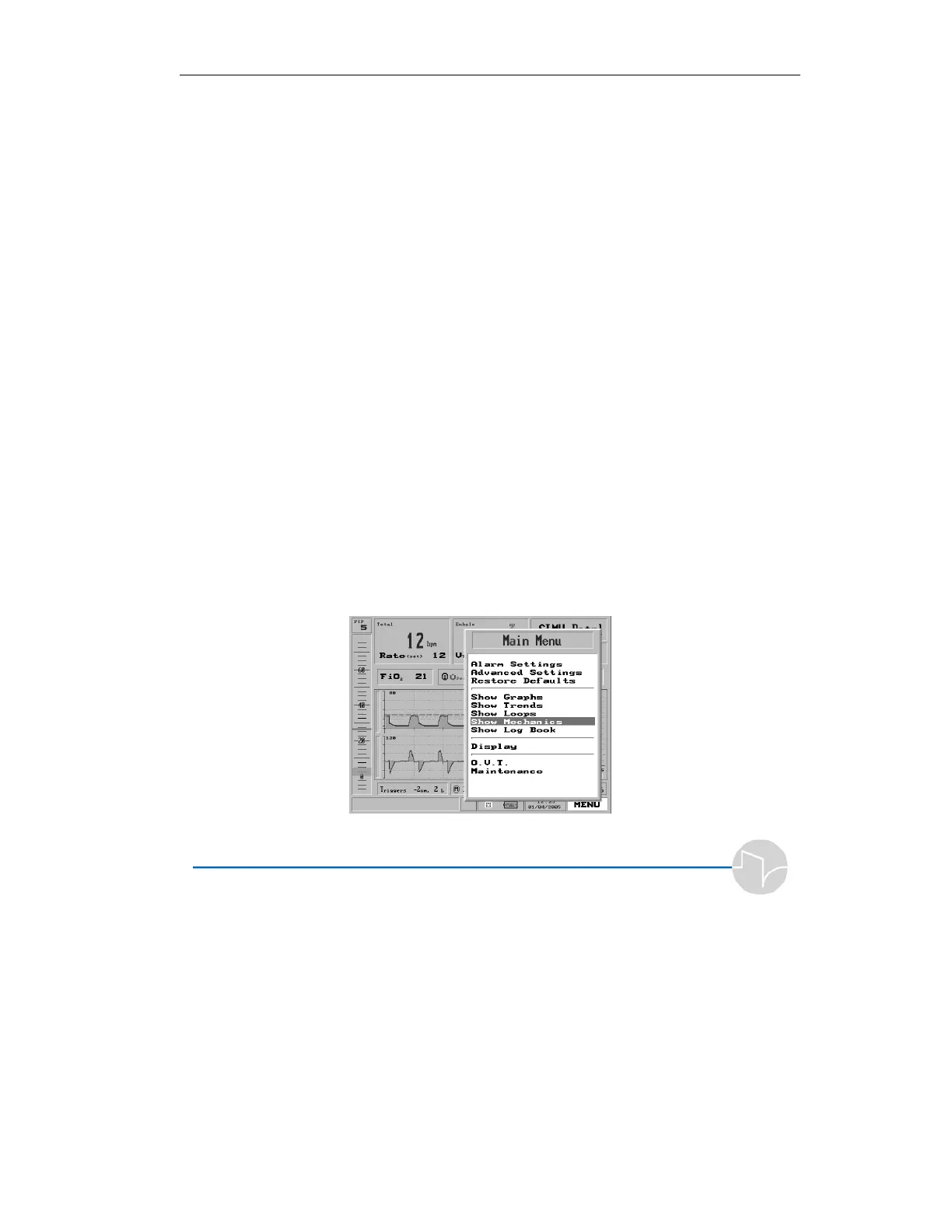
and Time Constant. Call up the Main Menu (dial the control
knob until the MENU box on the lower right corner is
highlighted in blue. Then press the control knob), then turn the
knob until Show Mechanics is highlighted.
Figure 4.67 Show Mechanics highlighted on the Main Menu



 To Next Page