iVent201 Operator's Manual
103
Turn the control knob to highlight a function, then select it by
pressing the control knob.
⇒ To return to the Main Screen from anywhere in the Main
Menu, either
o press the clear button on the keypad until you
return, or
o use the control knob to highlight Display on the
Main Menu and press the control knob, then
select Main and press the control knob.
4.2 Alarm Settings
In this section you will learn how to change the iVent
201
’s alarm
settings. Please do not change any of these settings without
reading Chapter 6: Alarms.
4.2.1 Changing Individual Alarm Settings
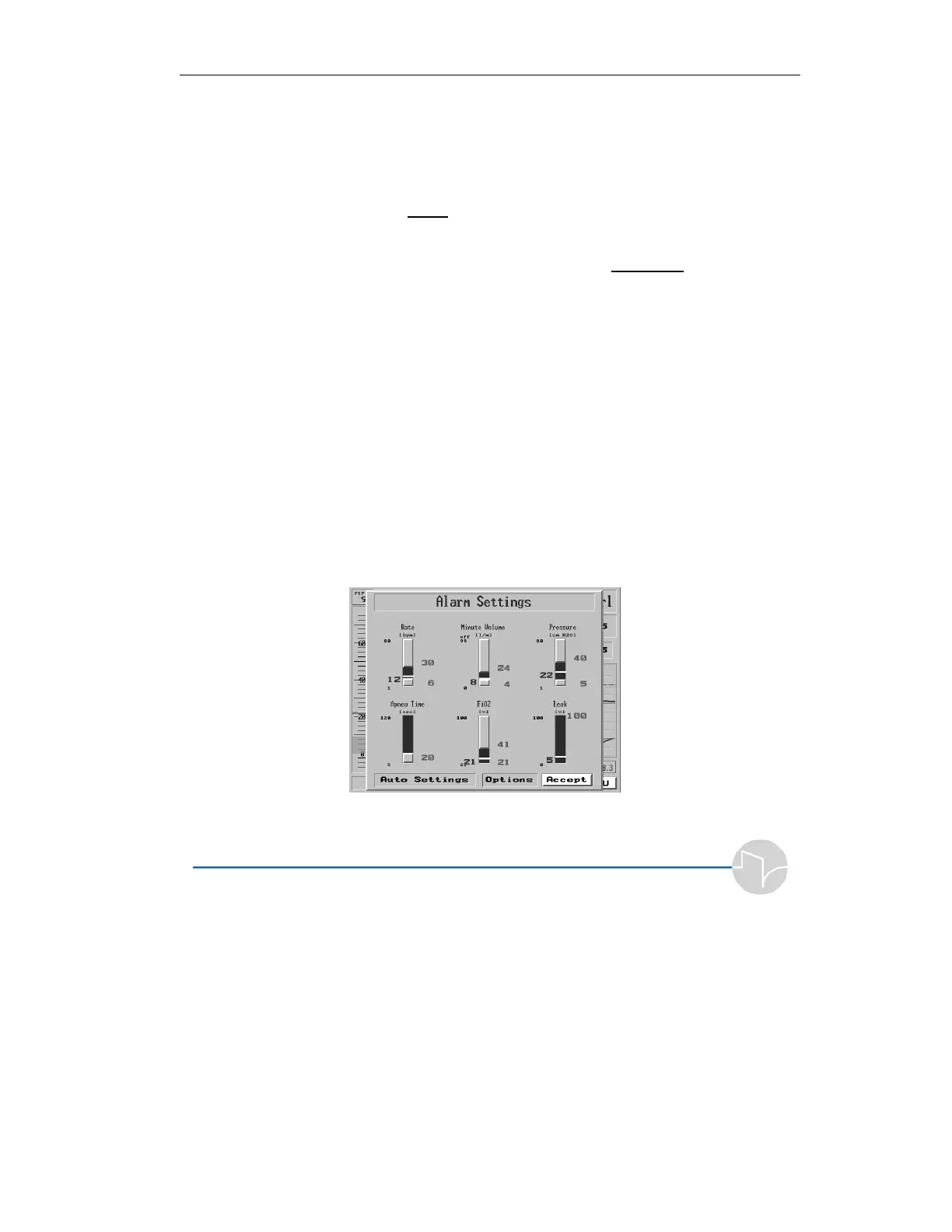
Highlighting and clicking Alarm Settings on the Main Menu
will bring up the Alarm Settings screen:
Figure 4.3 The Alarm Settings Screen



 To Next Page