The Main Menu
118
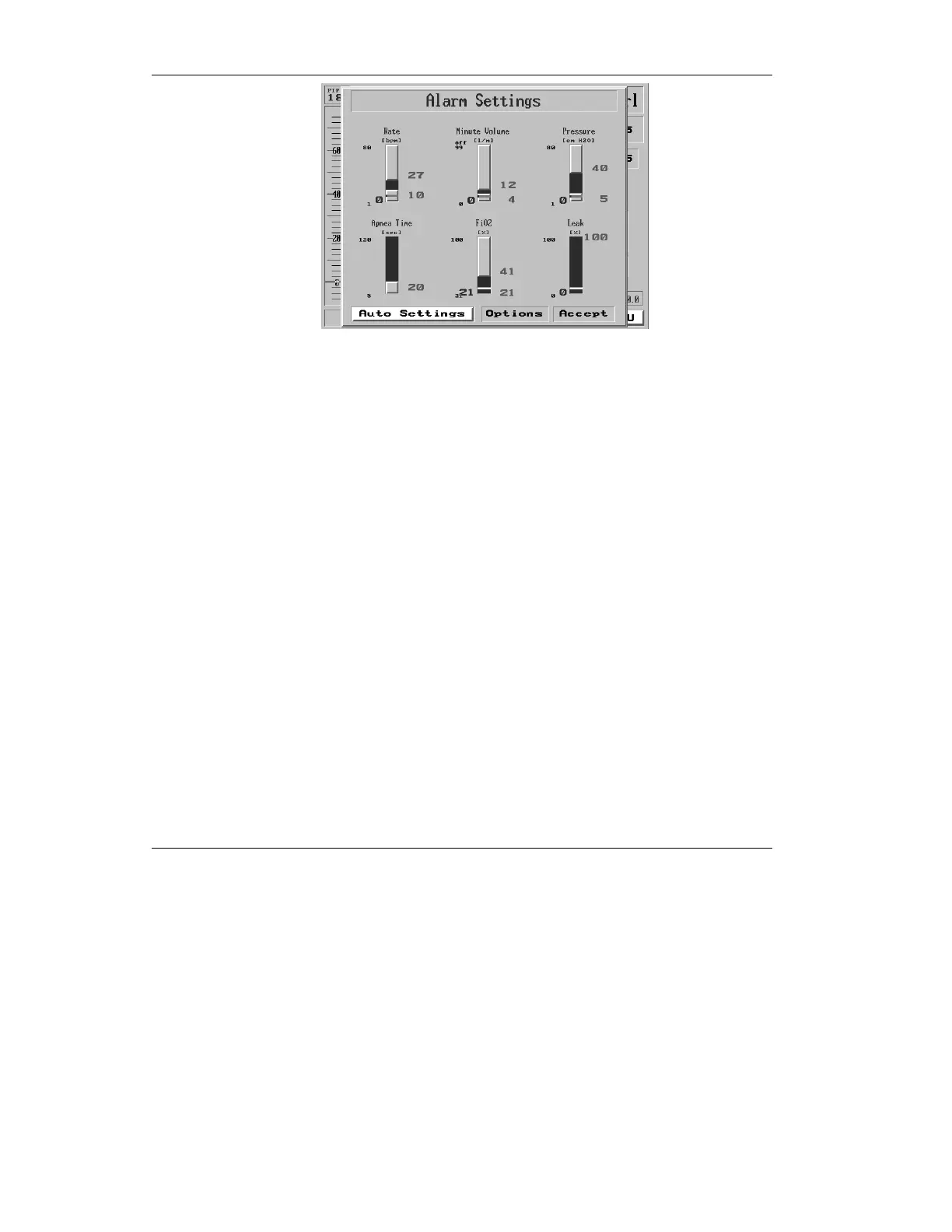
Figure 4.11 The Auto Settings selection highlighted on the Alarm
Settings screen
Press the control knob. The Alarm Settings are now reset in
accordance with current ventilation parameters.
4.2.3 Alarm Options
The Alarm Options menu allows you to
• set the alarm volume (loudness)
• enable or disable the Inverse I:E Ratio alarm
• adjust or disable the Low Tidal Volume alarm
• enable or disable the Patient Circuit
Disconnect alarm
To access the Alarm Options menu:
1. Highlight Alarm Settings and
press the knob. The Alarm
Settings window is now
displayed. Highlight the
“Options” box and press the
knob.



 To Next Page