The Main Menu
166
4.6.1 Selecting Trends To Display
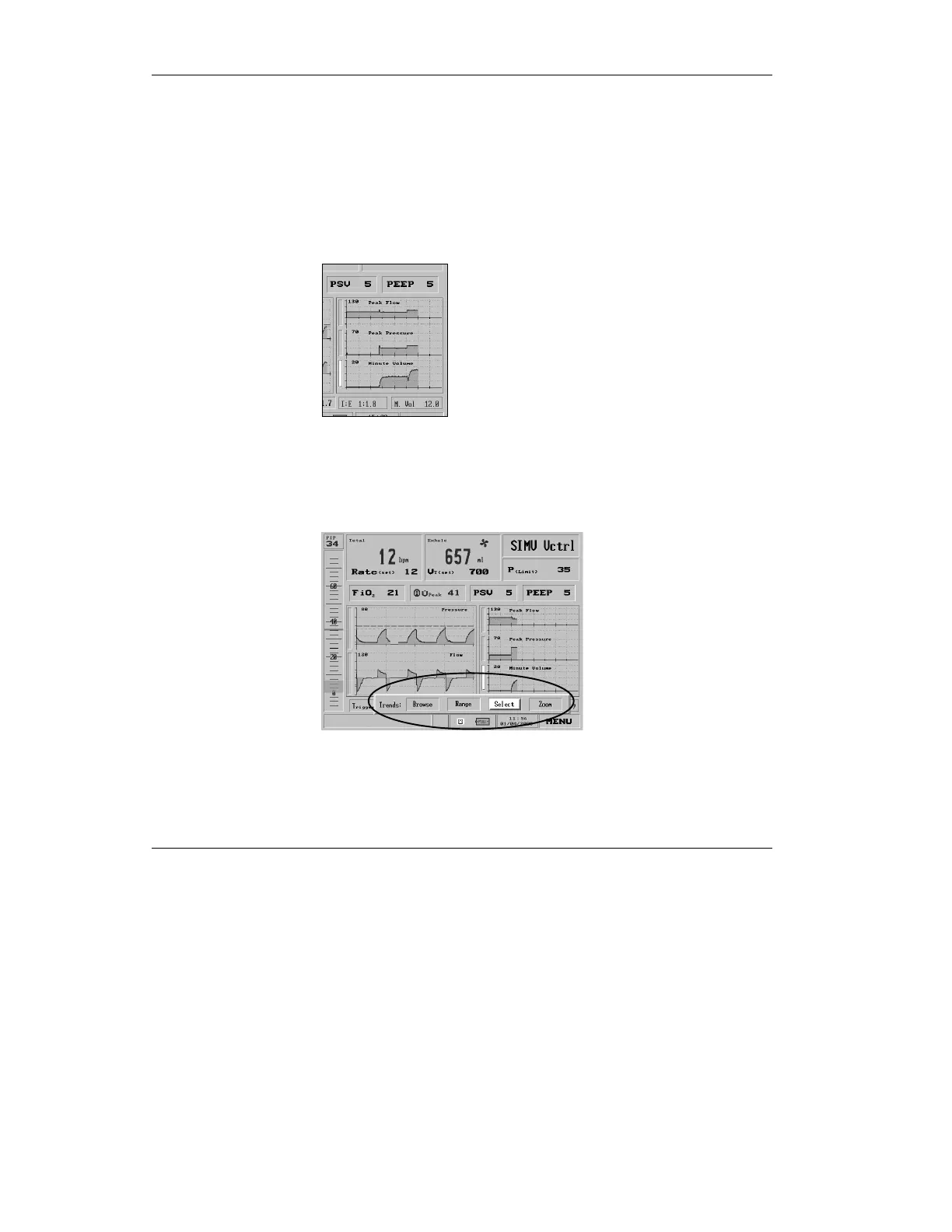
To select the Trends you wish to view:
1. Turn the control knob to
highlight the Select bar of the
Trend graph you want to
change.
Figure 4.56 The Minute Volume graph is selected
2. Press the control knob. You will
be presented with the Trends
Choice bar.
Figure 4.57 The Trends Choice bar, with “Select” chosen



 To Next Page