The Main Menu
168
You may continue to choose
alternative Trends to display in the
other graphs by highlighting the
Select bar of each graph and then
using the Trends Choice bar to choose.
4.6.2 Browsing Trends
You can recall trend information over a 72-hour period using
the Browse feature.
1. While the Trends are displayed,
select any Trend graph by
dialing the control knob until a
Select bar is highlighted (see
figure 4.47). Press the control
knob to bring up the Trends
Choice bar. Then dial the
control knob to highlight
Browse.
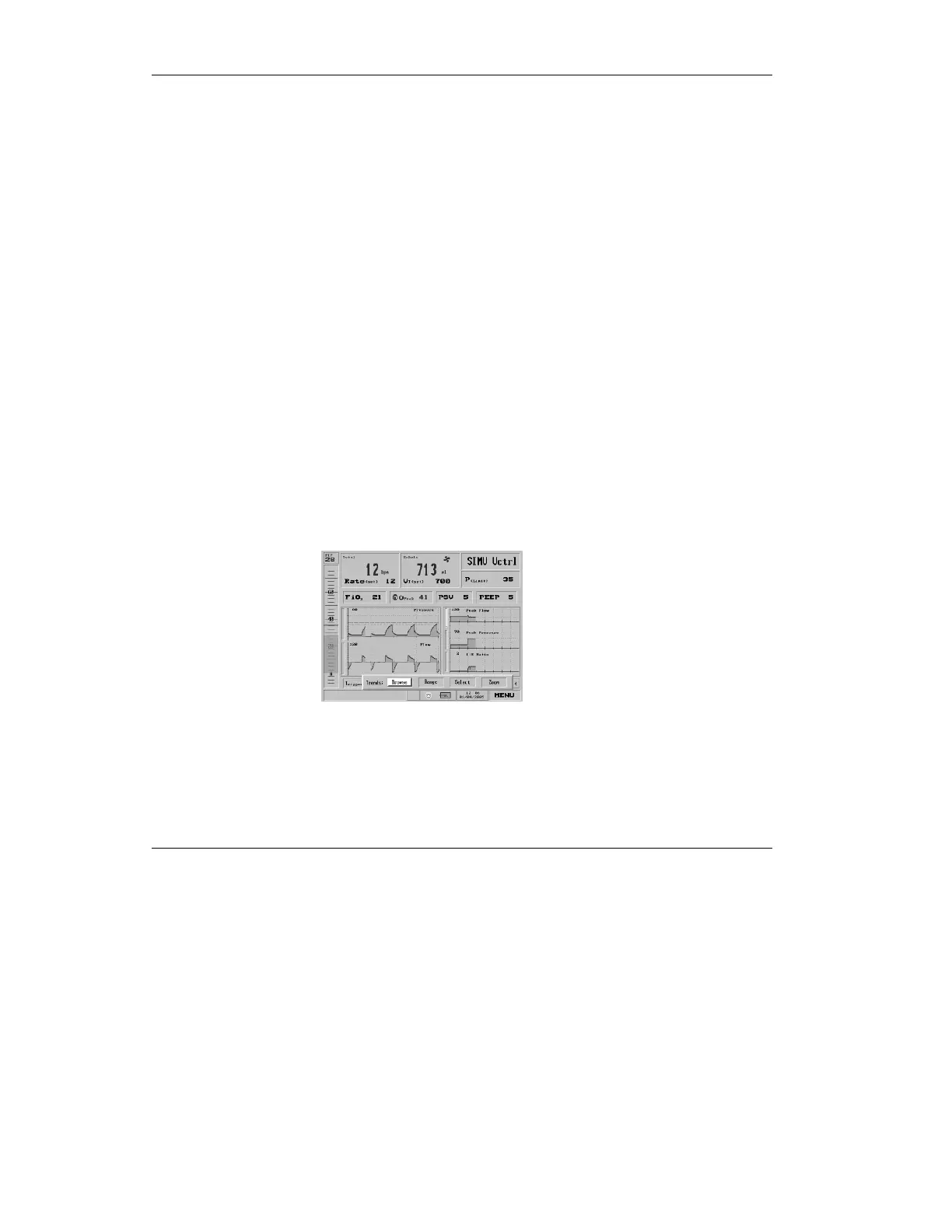
Figure 4.60 The Trends Choice bar, with Browse selected



 To Next Page