iVent201 Operator's Manual
83
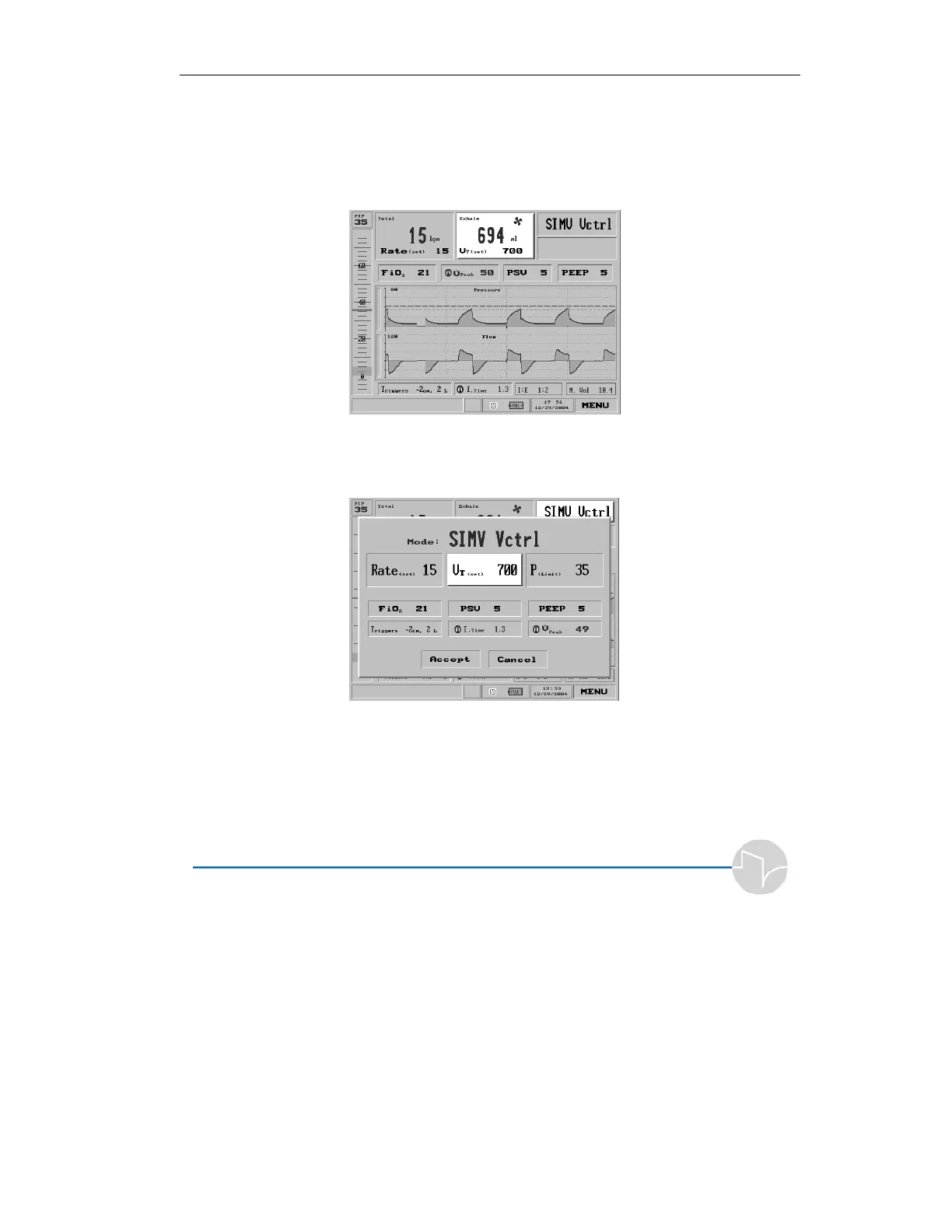
3.3.2 Adjusting Tidal Volume
Select the Tidal Volume (or in Pressure Control Volume Limit)
setting from the top middle section of the Main screen:
Figure 3.14 Tidal Volume shown selected on the Main screen
or the Mode screen:
Figure 3.15 Tidal Volume shown selected on the Mode screen
to bring up the Tidal Volume pop-up.



 To Next Page