Operating the iVent201 – Setting Modes and Parameters
84
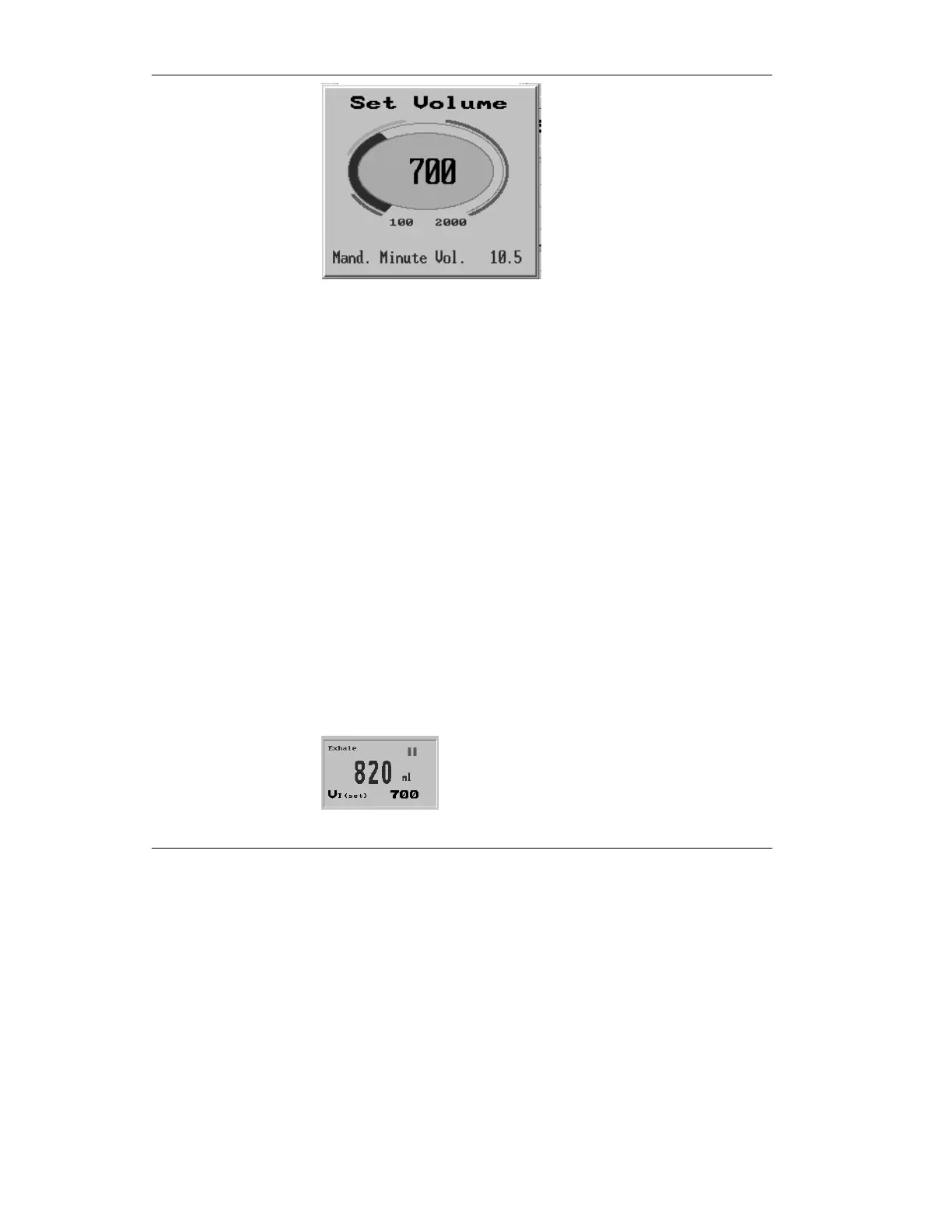
Figure 3.16 the Tidal Volume pop-up
Turn the control knob to change the Tidal Volume. When you
have set the knob to the desired level, press to confirm and
accept the new value. If you wish to abort the change, press the
clear button.
Changing the Tidal Volume affects the Mandatory Minute
Volume. If a Manual Peak Flow is set that will not deliver the
set volume in the allotted inspiratory time, the display will
flash. During operation of Adaptive Flow™, spontaneous and
mandatory peak flows are displayed and cannot be changed.
3.3.2.1 Breath Types
The upper left corner of the Tidal Volume portion of the Main
Screen (see Figure 3.17) also indicates the type of breath
delivered, by displaying one of several icons beside the exhale
volume.
1. Double Bar – no measurement



 To Next Page