Operating the iVent201 – Setting Modes and Parameters
92
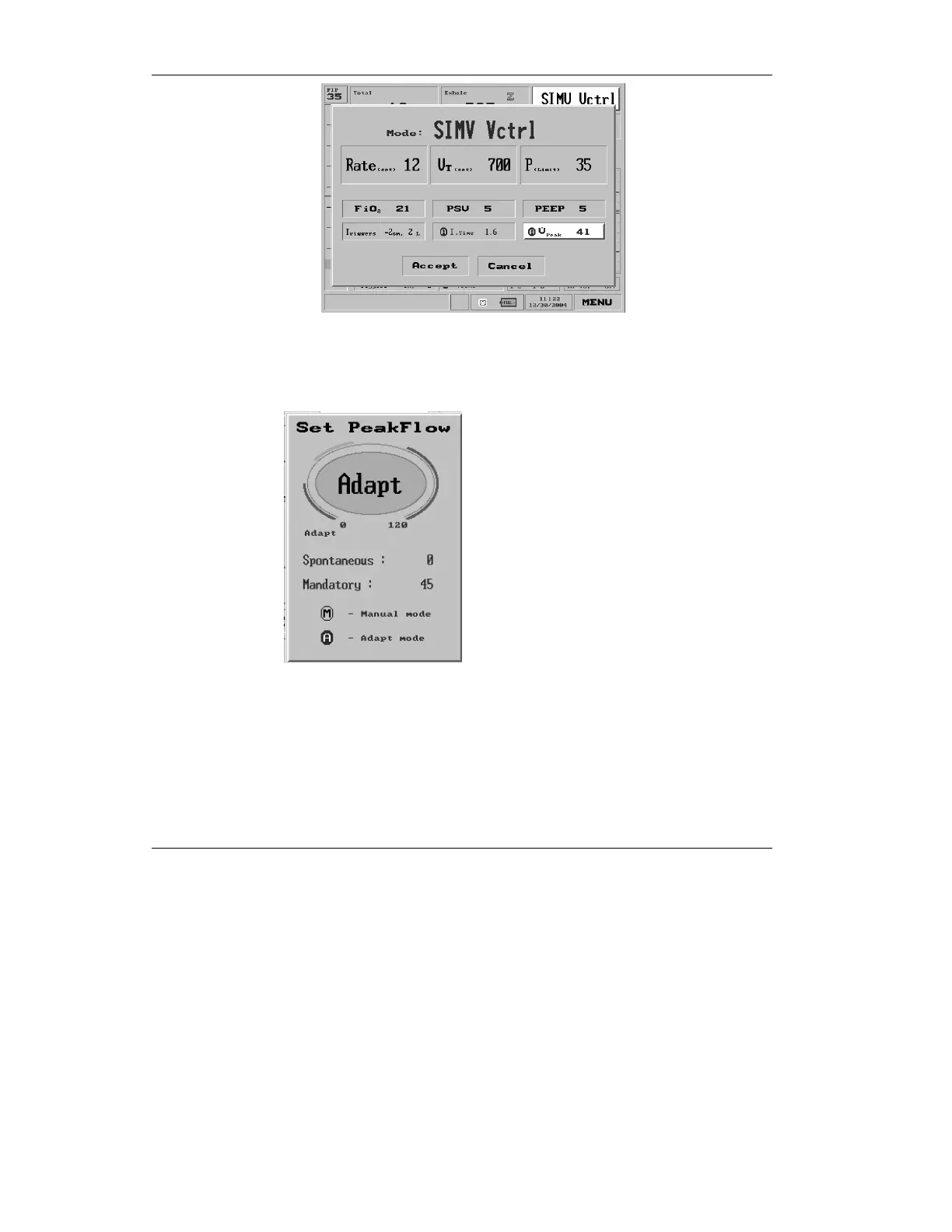
Figure 3.25 Peak flow highlighted on the Mode Parameters screen
Press the control knob if you wish to change the Peak Flow
value. The Set Peak Flow pop-up window appears:
Figure 3.26 The Set Peak Flow pop-up window
Turn the control knob to change the value to a manual mode
value. To return to Adaptive Flow™, turn the control knob
counterclockwise until “Adapt” is displayed.
If Adaptive Flow™ is selected, a blue icon with a black circled
A is displayed on the Main screen:



 To Next Page