iVent201 Operator's Manual
99
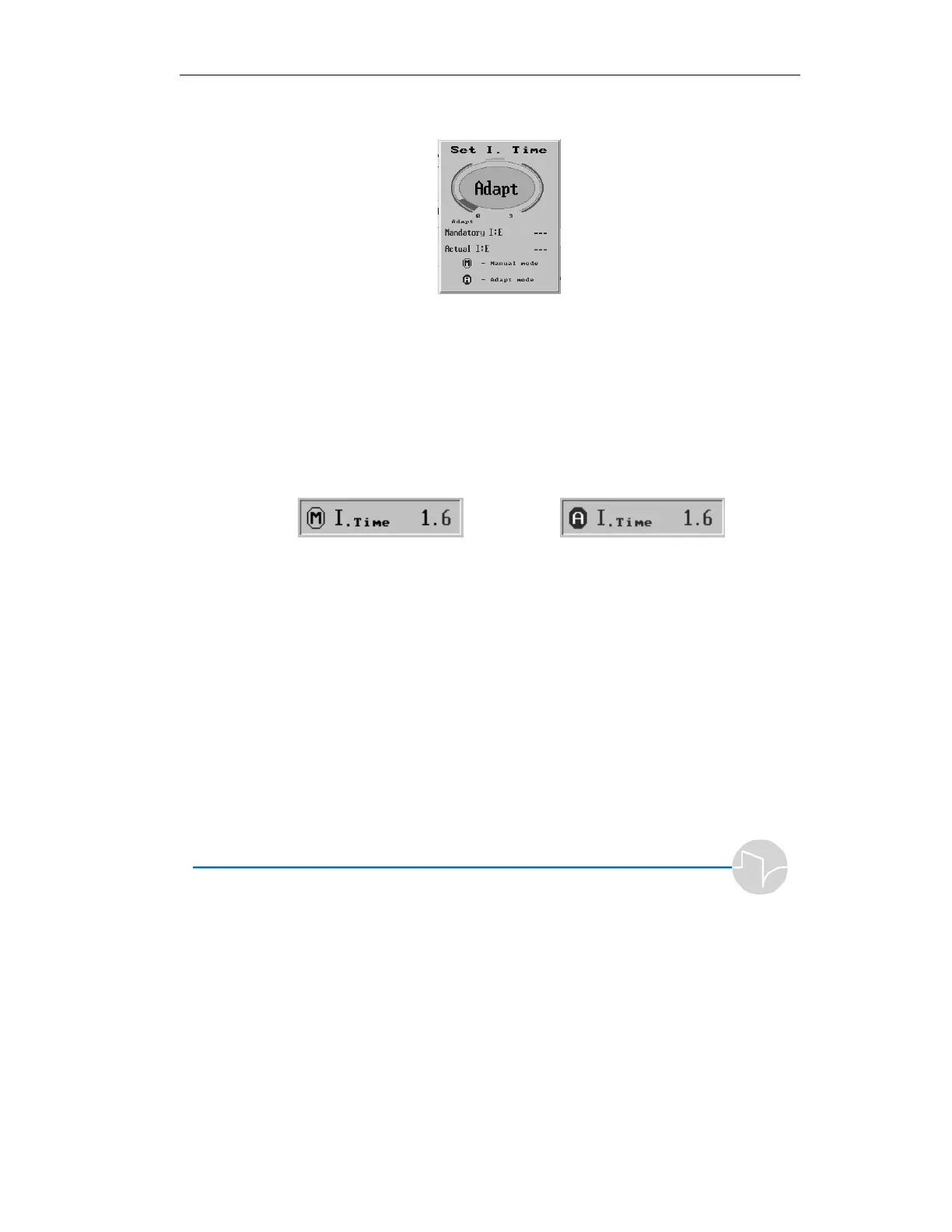
Press the control knob. The I. Time pop-up window appears:
Figure 3.40 The I. Time pop-up window
Turn the control knob to change the Inspiratory Time. Notice
that the I:E ratio is recalculated as you adjust the value.
To return to Adaptive I. Time™, turn the control knob
counterclockwise until “Adapt” appears. When you return to
the Main screen, a circled A(daptive) will replace the circled
M(anual) indicator in the I Time window.
Figure 3.41 Manual I Time Figure 3.42 Adaptive I Time™
If a manual I time is set that will not allow for a 1:1 I:E Ratio, or
will not allow the set volume to be delivered within the set I
time, the display will flash.
When you have set the knob to the desired level, press to
confirm and accept the new value. If you wish to abort the
change, press the clear button.



 To Next Page