Setting Up
56
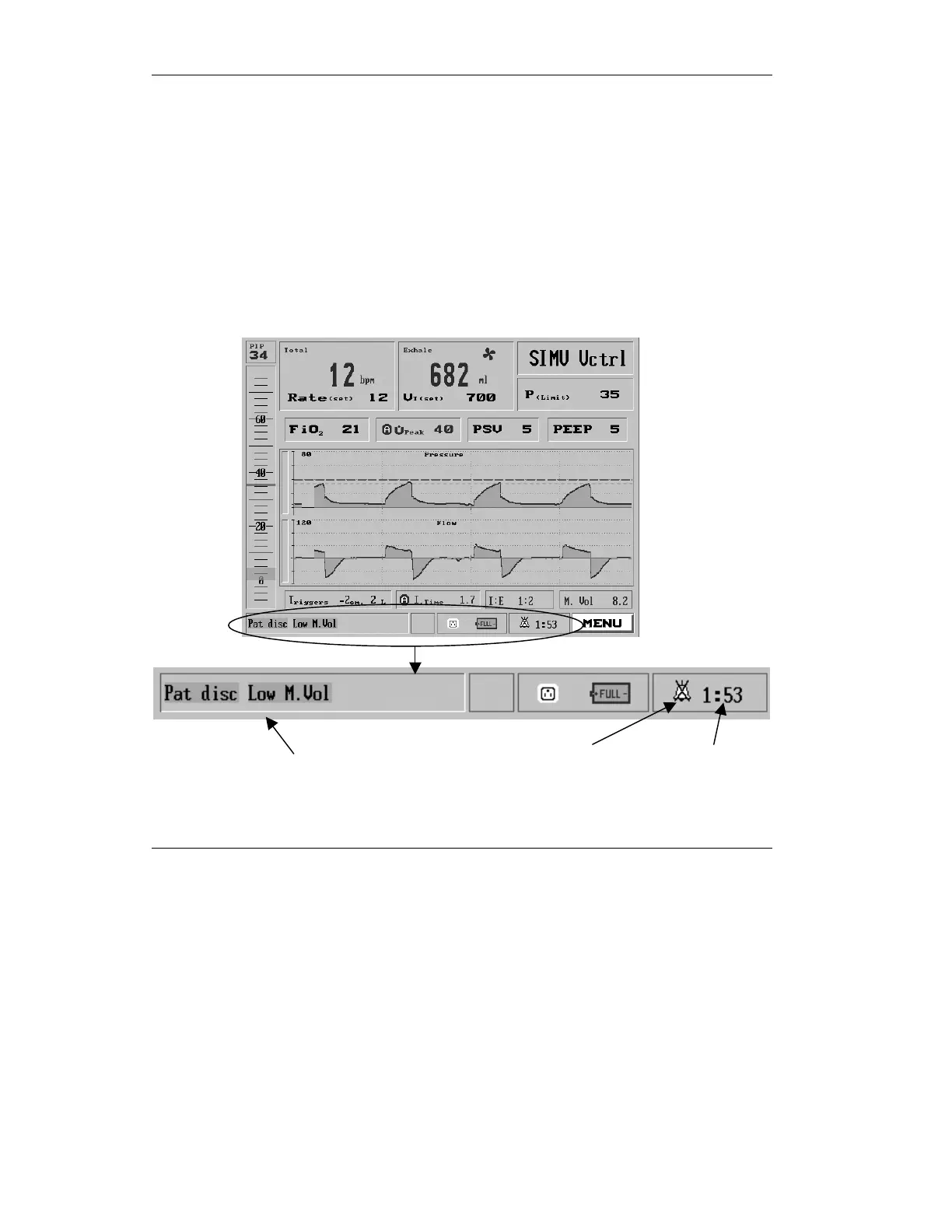
Timer
• silence is used to immediately mute the
audible alarm and minimize the
corresponding red pop-up message. It then
activates a two-minute timer and appears in
the lower right corner of the display instead
of the time-date field, alongside the Silenced
alarm icon.
One short press on the Silence key resets the
time to 2 minutes. When pressed and held for
one second it re-activates pending alarms.
Figure 2.21 Status window after alarm has been silenced
Silenced alarm icon



 To Next Page