iVent201 Operator's Manual
29
⇒ To prevent accidental disconnection of the AC power
cord, secure it with the cable clip.
WARNING: If the power cord is damaged, worn, or
frayed, replace it immediately.
NOTE: Before you turn off the iVent
201
it must be placed
in Standby mode. See section 3.1.3, page 69.
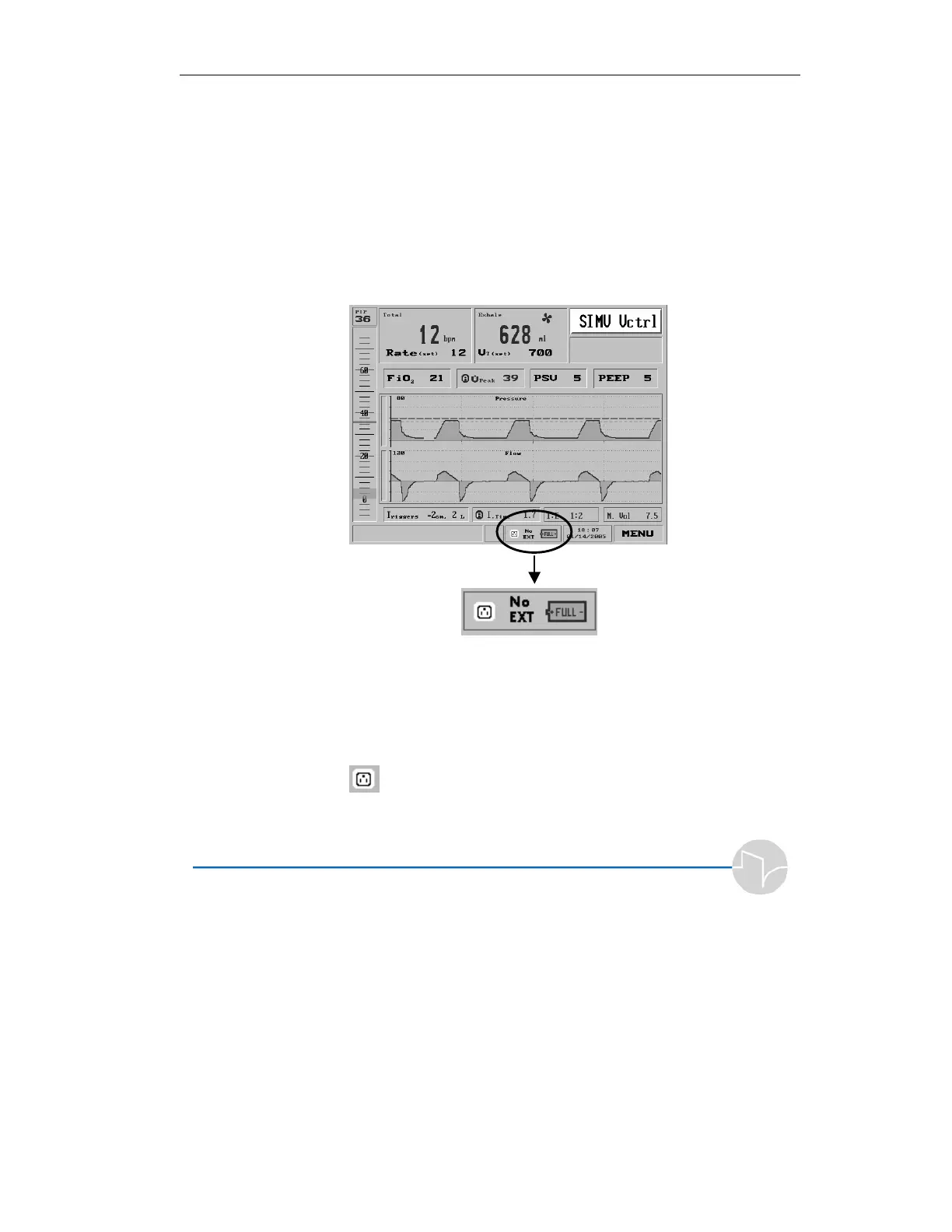
When the ventilator is operating, icons at the bottom section of
the screen indicate the power state.
Figure 2.2 On-Screen Power Status Indicator. The ventilator is under
AC power, no external battery is connected, and the internal battery is
fully charged.
When the iVent
201
is connected to AC power, the screen shows
a 3-pronged power outlet icon:
Figure 2.3 AC power icon



 To Next Page