Setting Up
30
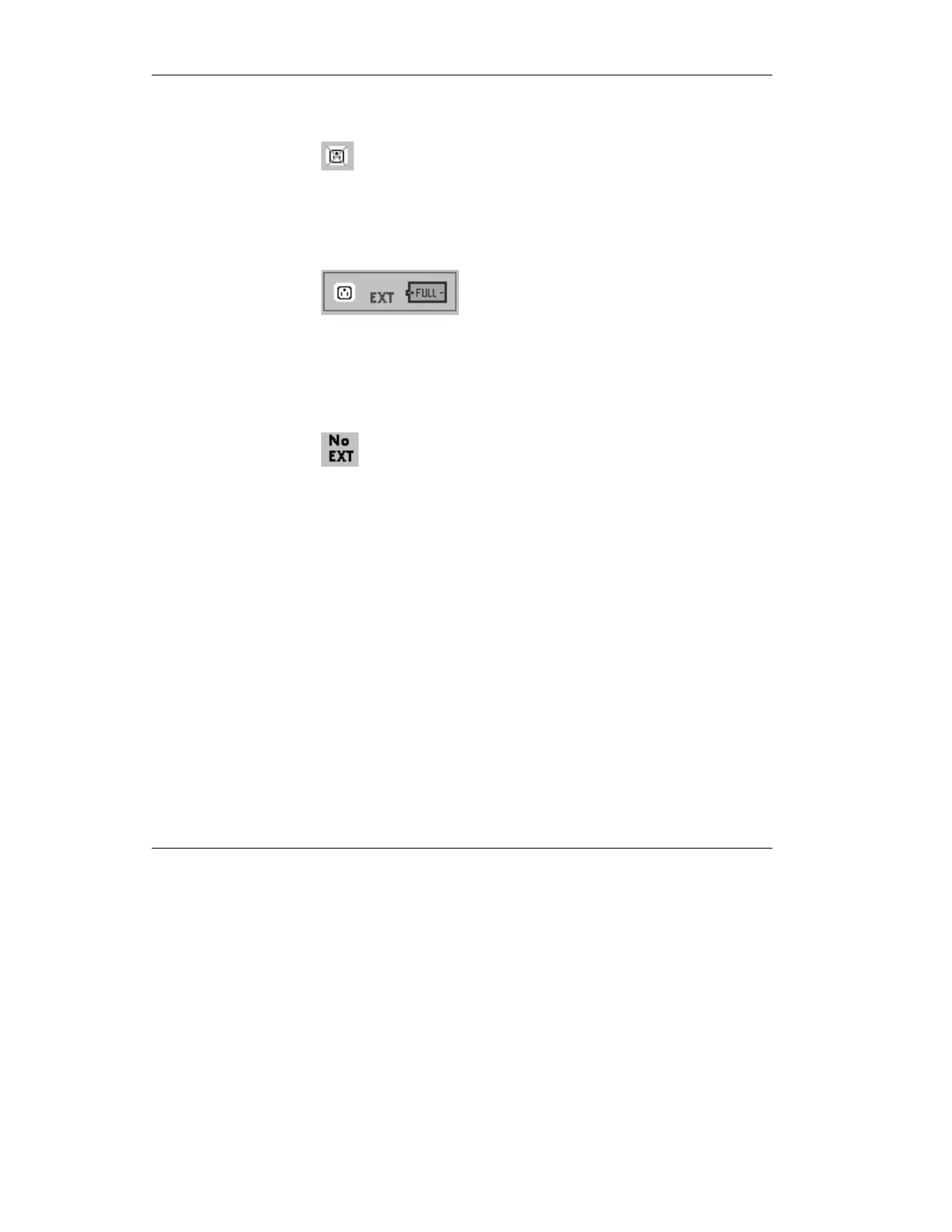
When disconnected from AC power the 3-pronged oulet icon is
displayed with a red “X” through it:
Figure 2.4 AC power disconnect icon
When connected to an external DC power source such as a
battery, the screen shows “EXT” in blue:
Figure 2.5 On-Screen Power Status Indicator, showing DC power
connected and AC power connected.
When disconnected from DC power, the screen shows “No
EXT” in black.
Figure 2.6 No External battery connected icon
CAUTION: If the screen flashes “EXT” in red, the
external battery voltage is low. Replace the battery at
once. Ensure adequate power is immediately available.
CAUTION: If the external battery connector is removed
from the iVent
201
IT MUST REMAIN DISCONNECTED
FOR 40 SECONDS before plugging it back in.



 To Next Page