iVent201 Operator's Manual
171
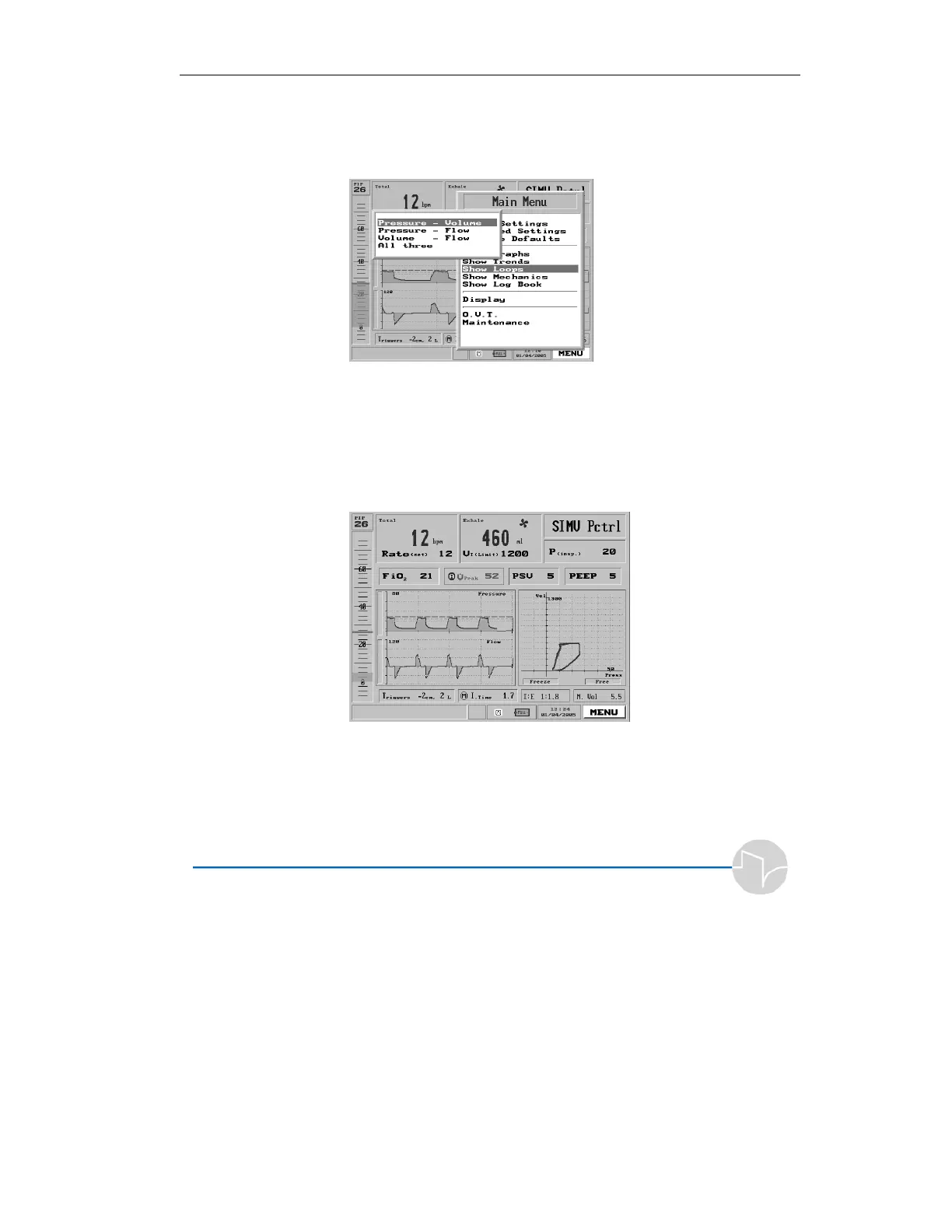
Figure 4.63 Show Loops highlighted on the Main Menu
and press the knob. The Show Loops pop-up menu will
appear:
Figure 4.64 The Show Loops pop-up
3. Select any of the loops, or all three. The loops appear
on the right side of the Main Screen. Here is a
sample Pressure/Volume Loop:
Figure 4.65 A Pressure/Volume loop
Each new loop is drawn in blue, and
turns to dark gray once the inspiratory
cycle begins. The display retains the
previous two loops.



 To Next Page