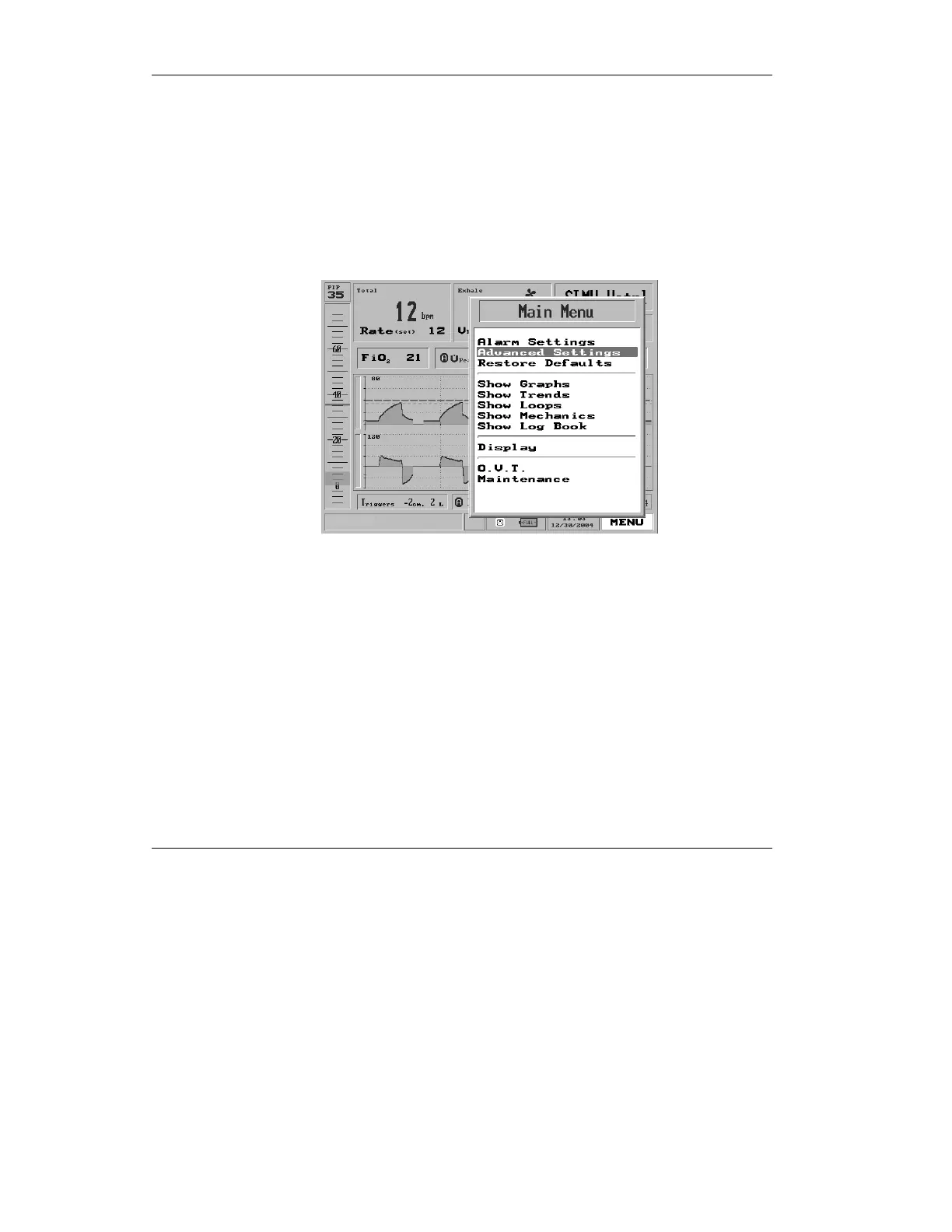
The Main Menu
126
To access the Advanced Settings menu:
1. Click the Menu box on the Main
Screen to get the Main Menu.
2. Turn the control knob to
highlight the second item on the
Main Menu list, Advanced
Settings.
Figure 4.19 Advanced Settings highlighted on the Main Menu
3. Press the control knob. The
Advanced Settings menu
appears.



 To Next Page