iVent201 Operator's Manual
131
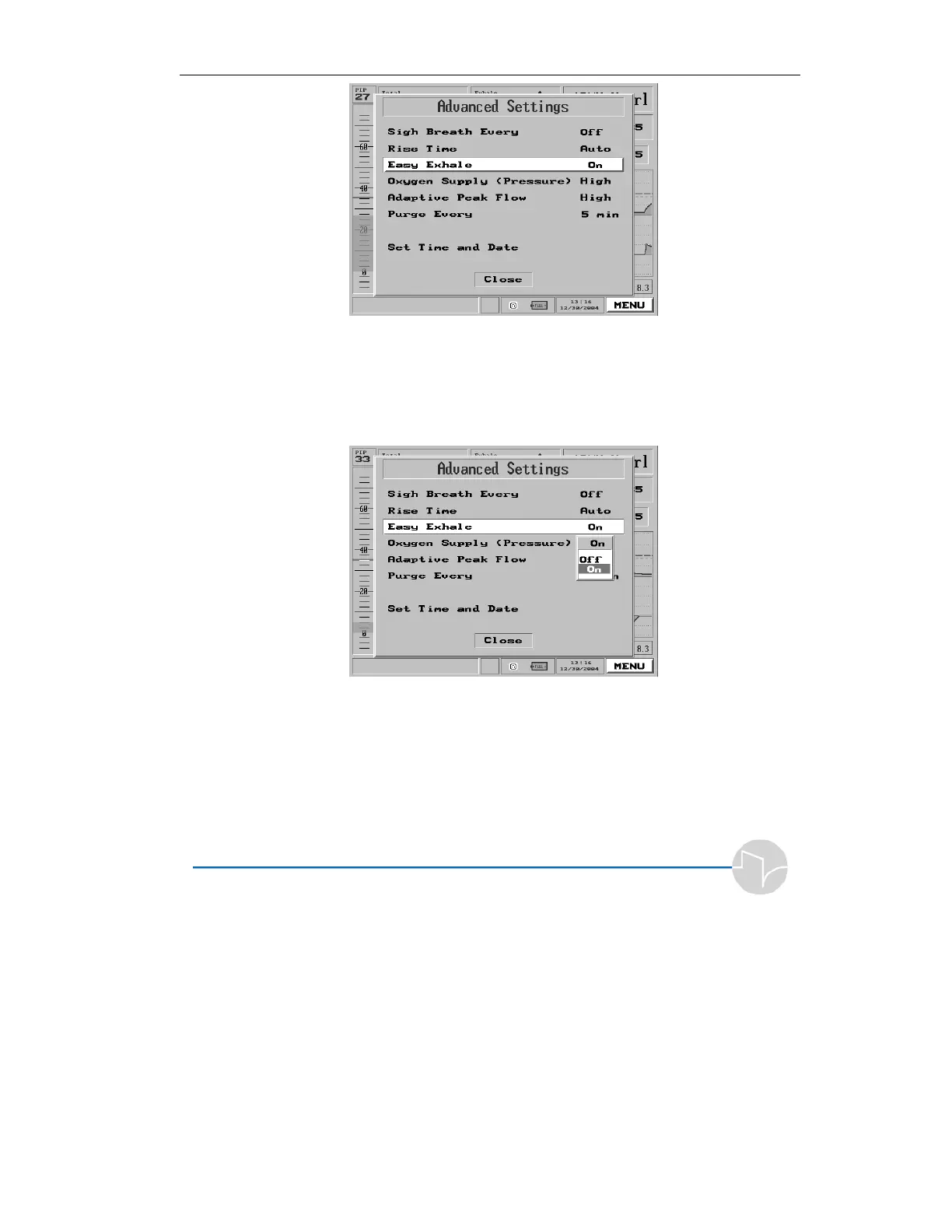
Figure 4.24 Easy Exhale highlighted on the Main Menu pop-up
2. Press the control knob. A pop-
up appears with the values On
and Off.
Figure 4.25 The Easy Exhale selection pop-up
3. Turn the dial to On or Off.
4. Press to accept the value. The
value will now be displayed
beside “Easy Exhale” in the
Advanced Settings menu.



 To Next Page