The Main Menu
142
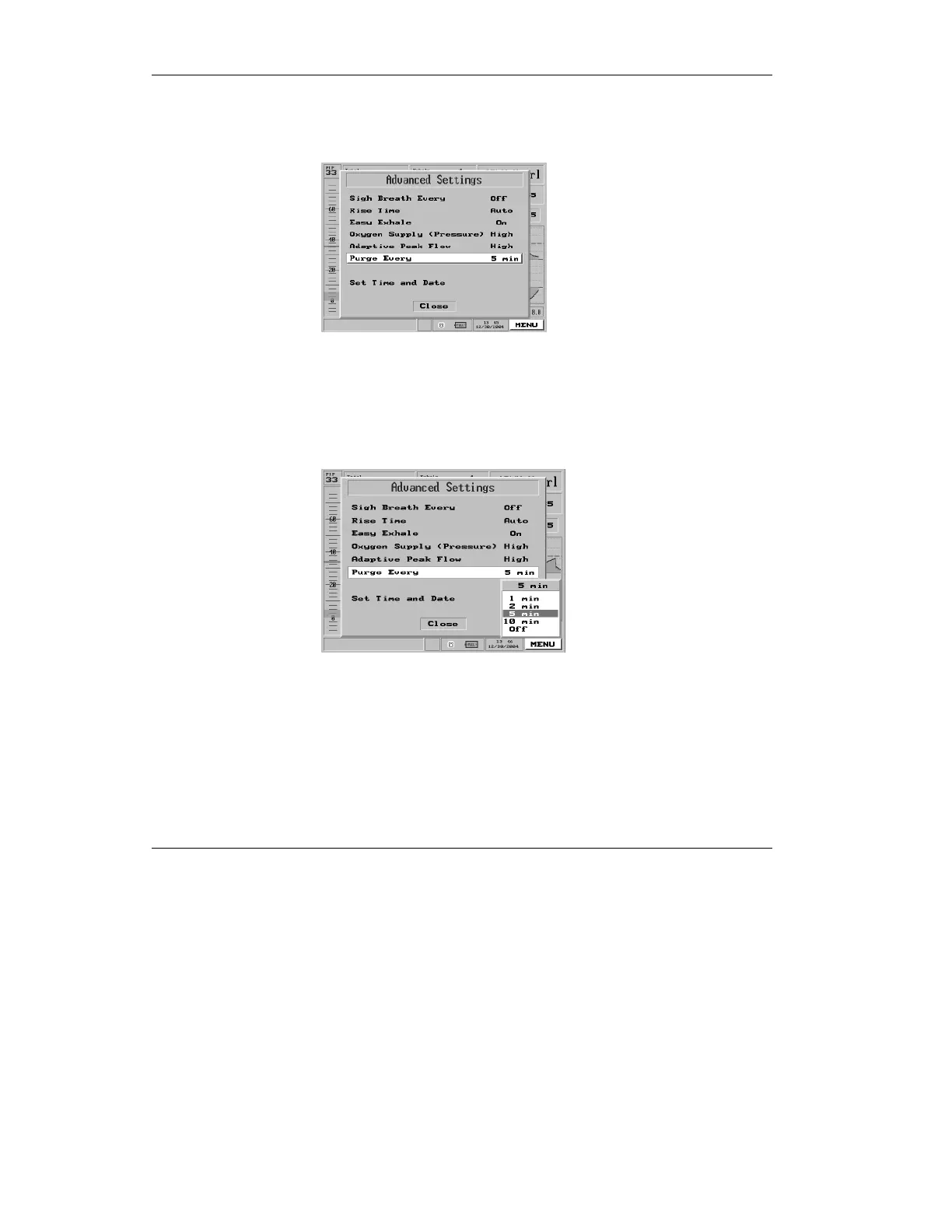
1. From the Advanced Settings menu (see
section 4.3 on page 125), highlight the
“Purge Every” selection.
Figure 4.35 Purge interval selection highlighted on the Main Menu
pop-up
2. Press the control knob. A pop-
up appears with the values 1, 2,
5, 10 and Off.
Figure 4.36 The “Purge Every” pop-up
3. Turn the dial to select the
desired setting.
4. Press to accept the value. The value will now be
displayed beside “Purge Every ” in the Advanced
Settings menu.



 To Next Page