iVent201 Operator's Manual
149
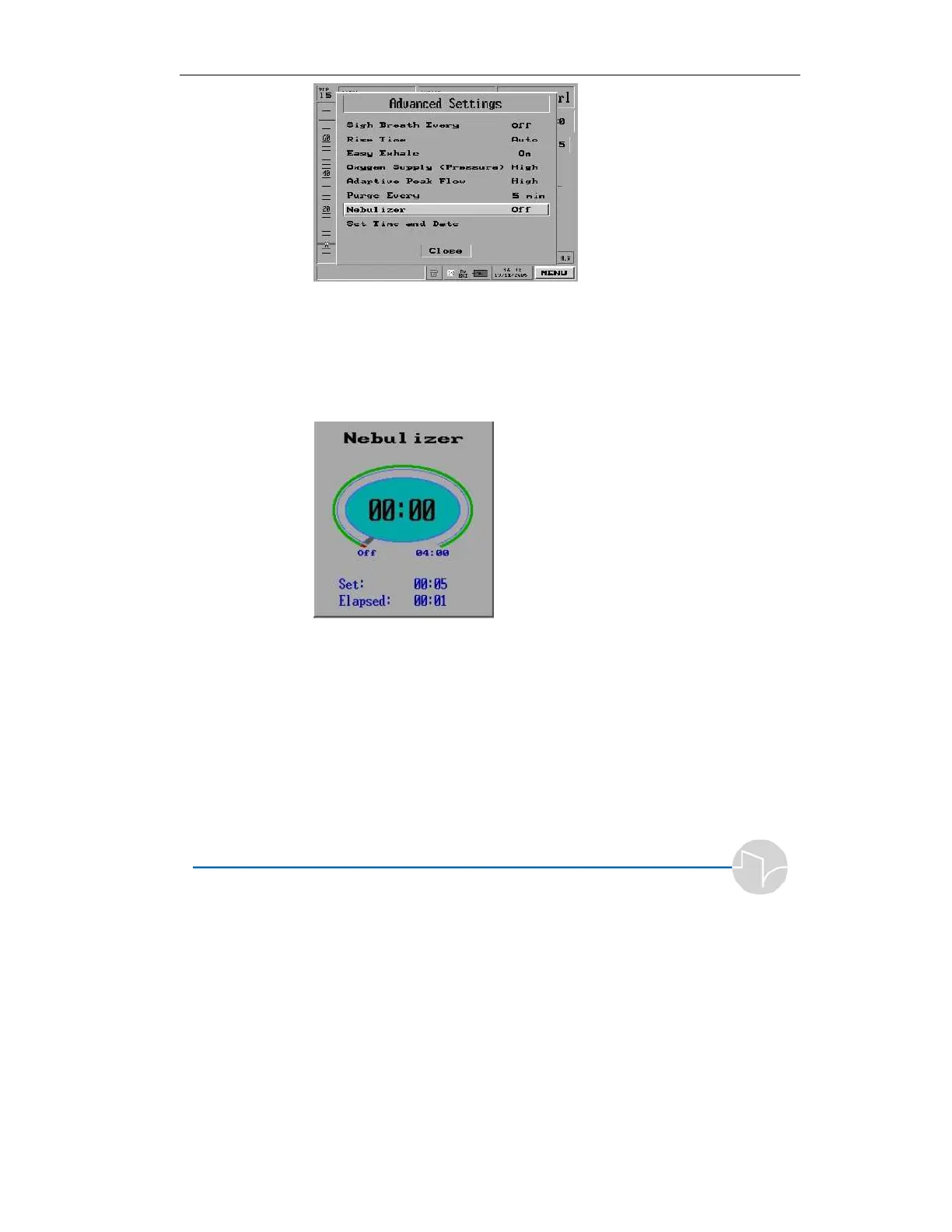
Figure 4.41 Nebulizer highlighted on the Main Menu pop-up
2. Press the control knob. The
Nebulizer pop-up window
appears. The default time is
OFF.
Figure 4.42 The Nebulizer pop-up
3. Turn the dial to set the time
duration for nebulization. You
can set the time between 5
minute and 4 hours. Each
rotational detent of the knob
increase or decrease the
nebulization time by 5 minutes.



 To Next Page