iVent201 Operator's Manual
229
7.4.2.6 O
2
Tests
1. The VVT screen will ask you to
confirm that there is no O
2
supply connected to the
ventilator. Make sure no O
2
supply is connected. Then
select and press Ok.
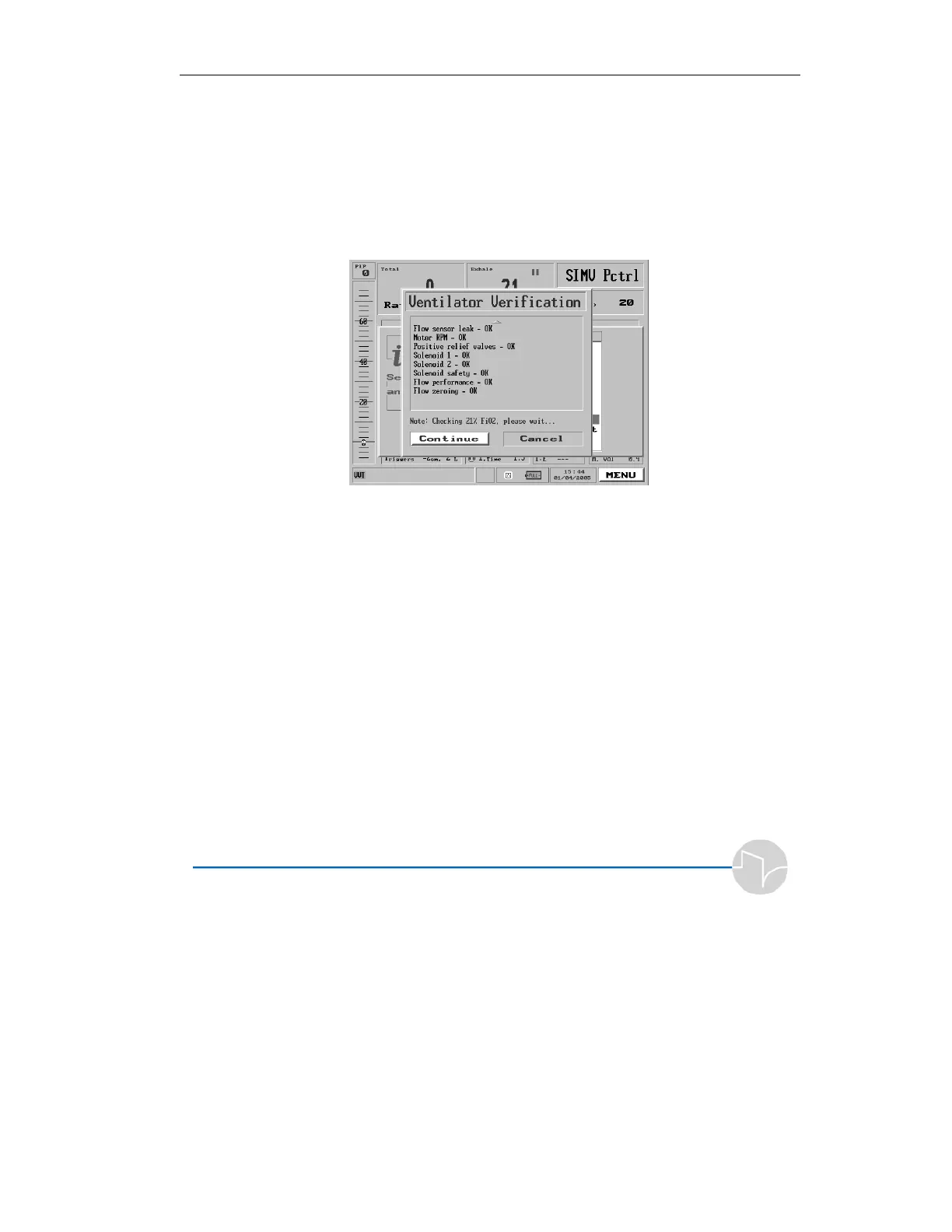
Figure 7.4 The 21% FiO
2
test
2. The test will take about 1
minute. When it is completed,
the VVT screen will direct you
to connect an O
2
supply. This
test takes about 2 minutes to
complete. The VVT instruction
pop-up will appear.
7.4.2.7 Battery Test
1. The VVT screen will prompt
you to disconnect the AC cable.
Pull the cable out from the back
of the ventilator.


 To Next Page
 Loading...
