Operating the iVent201 – Setting Modes and Parameters
64
When power is turned on, the software performs a self-test.
Once the bootup process completes (after approximately thirty
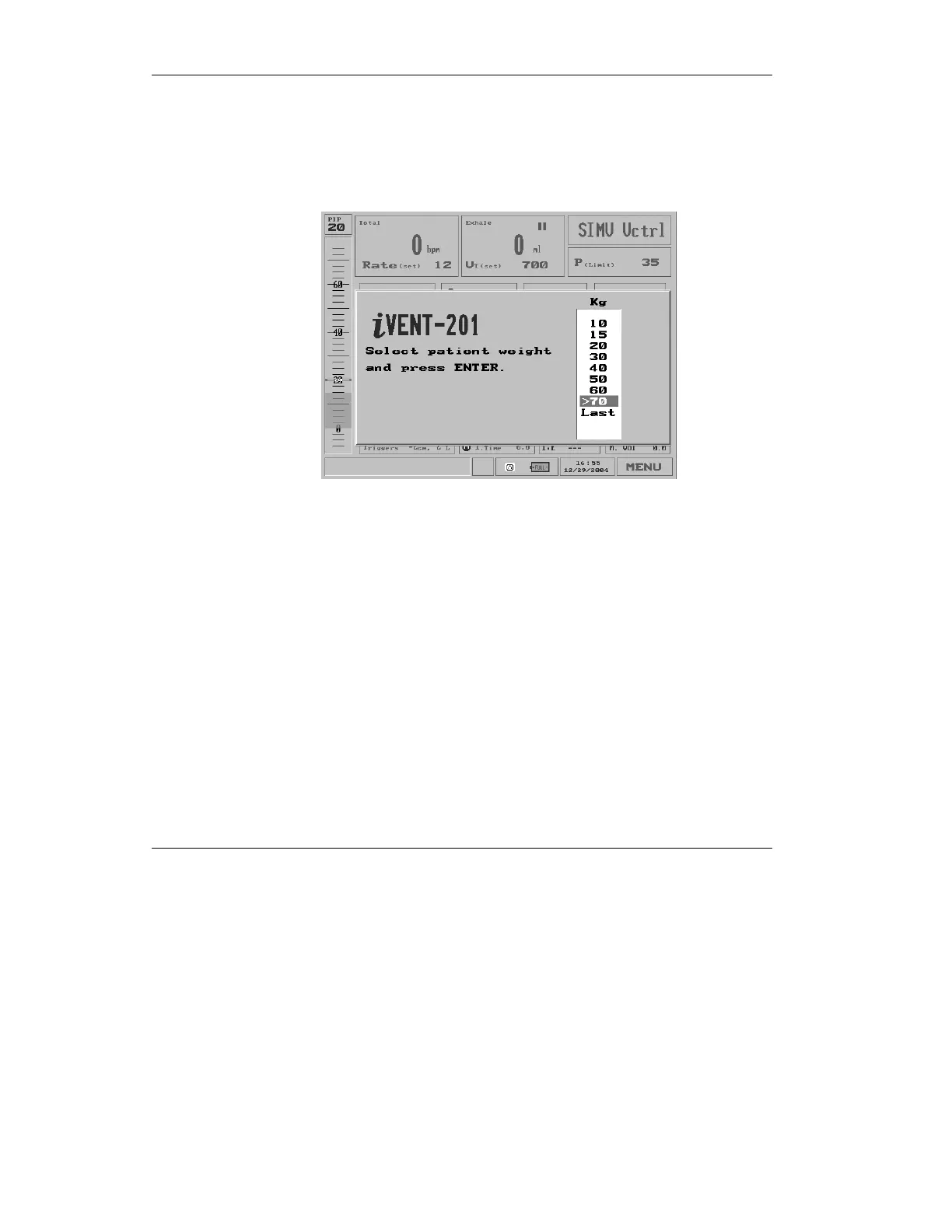
seconds) you will hear a beep and the screen asks you to select
the patient’s body weight which sets the default ventilation
parameters.
Figure 3.1 The patient weight selection pop-up
⇒ Parameters for all the iVent
201
’s possible ventilation
modes are set when you choose a patient weight upon
startup. For a view of the default parameters according to
weight, see Tables 4-1 through 4-4 in Section 4.4.1, page
153.
⇒ The default selection for patient weight range for the
iVent
201
is 70+kg. This may be changed using the
Configuration utility described in Section 7.5.2, page 233.



 To Next Page