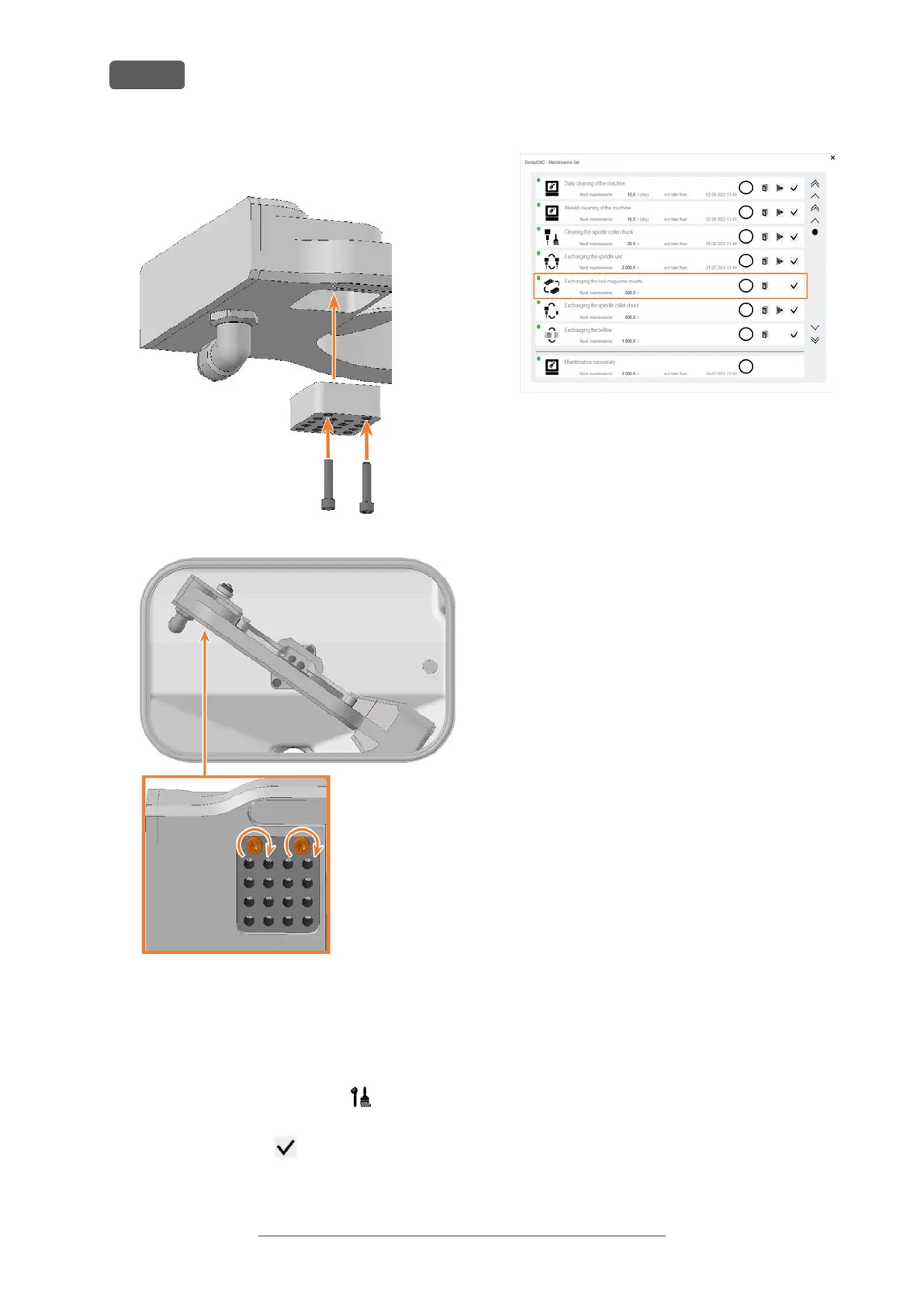
20. Insert the 2 screws into the screw holes in the
holder and tighten it.
FIG. 131
FIG. 132
21. Close the working chamber door.
22. Start DENTALCNC.
1. Open the Maintenance section window with the fol-
lowing icon in the main iconbar:
23. Select the following icon of the Exchange tool
magazine inserts entry:
24. Follow the instructions in the documentation for
DENTALCNC and drill the tool positions using the
provided drill bit.
Original Operating Instructions:E5
Version: 4/27/2023
Maintenance
EN 58



 To Next Page