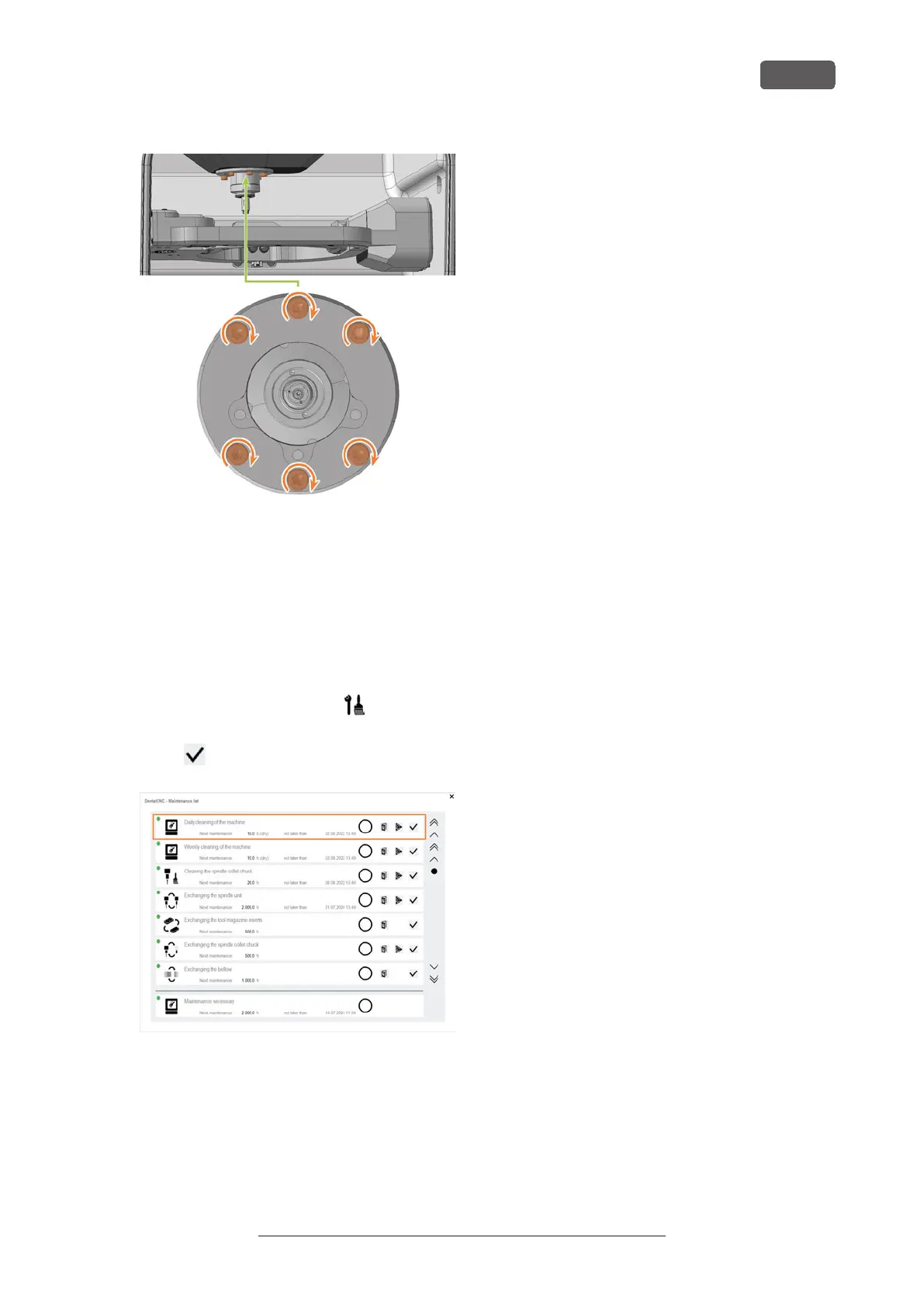
FIG. 158
26. Close the working chamber door.
27. Switch on the machine at the main power switch.
28. Start DENTALCNC.
29. Check that the machine references properly and
that the bellow does not graze at any point.
In case of errors, contact customer service.
30. Open the Maintenance section window with the fol-
lowing icon in the main iconbar:
31. Select the following icon of the entry Exchange
bellow:
FIG. 159
Maintenance
EN 65
Original Operating Instructions: E5
Version: 4/27/2023



 To Next Page