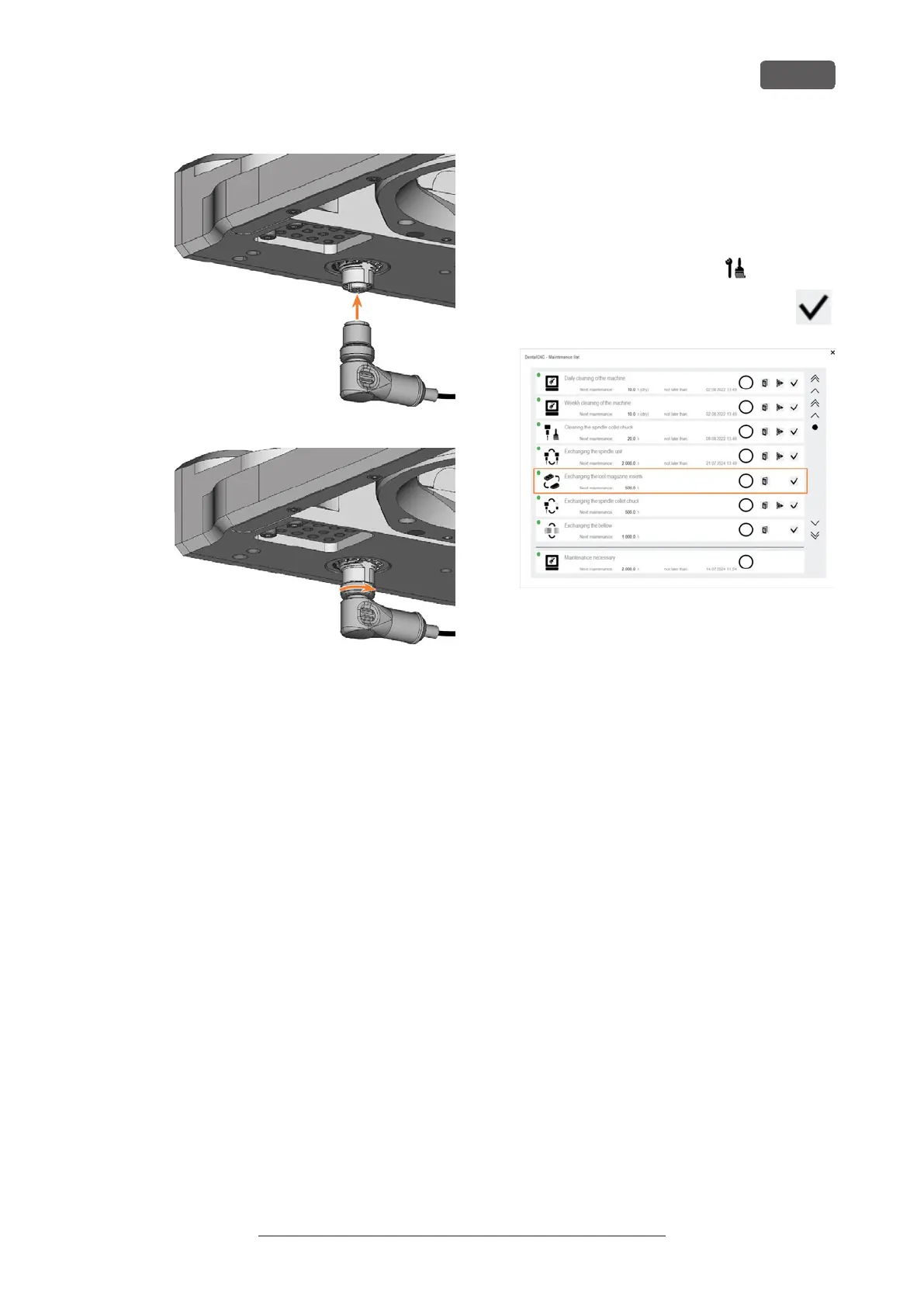
FIG. 277
FIG. 278
16. Close the working chamber door.
17. Switch on the machine at the main power switch.
18. Start DENTALCNC.
19. Calibrate the machine with manual tool change:
a. In the Machine data view in DENTALCNC, turn
on the manual tool change for the T17 posi-
tion.
b. Assign the calibration tool to the AirTool
insert E1 in the tool management view.
c. Calibrate the machine with DENTALCNC.
When prompted, manually insert the calib-
ration tool into the collet chuck.
Calibrating the axes – on page95
20. Measure the measuring key with DENTALCNC.
21. Drill tool positions into the tool magazine inserts.
22. Calibrate the machine with automatic tool change:
a. In the Machine data view in DENTALCNC, turn
on the manual tool change for the T17 posi-
tion.
b. Insert the calibration tool into AirTool insert
E1.
c. Calibrate the machine with DENTALCNC.
23. Use a test specimen to check the mechanical
accuracy of the machine.
24. If the test specimen is out of tolerance, contact
Customer Service.
25. Open the Maintenance section window with the fol-
lowing icon in the main iconbar:
26. Select the icon shown for the Exchange tool
magazine inserts entry.
FIG. 279
Maintenance
EN 93
Original Operating Instructions: E5
Version: 4/27/2023



 To Next Page