128
Eliminating malfunctions
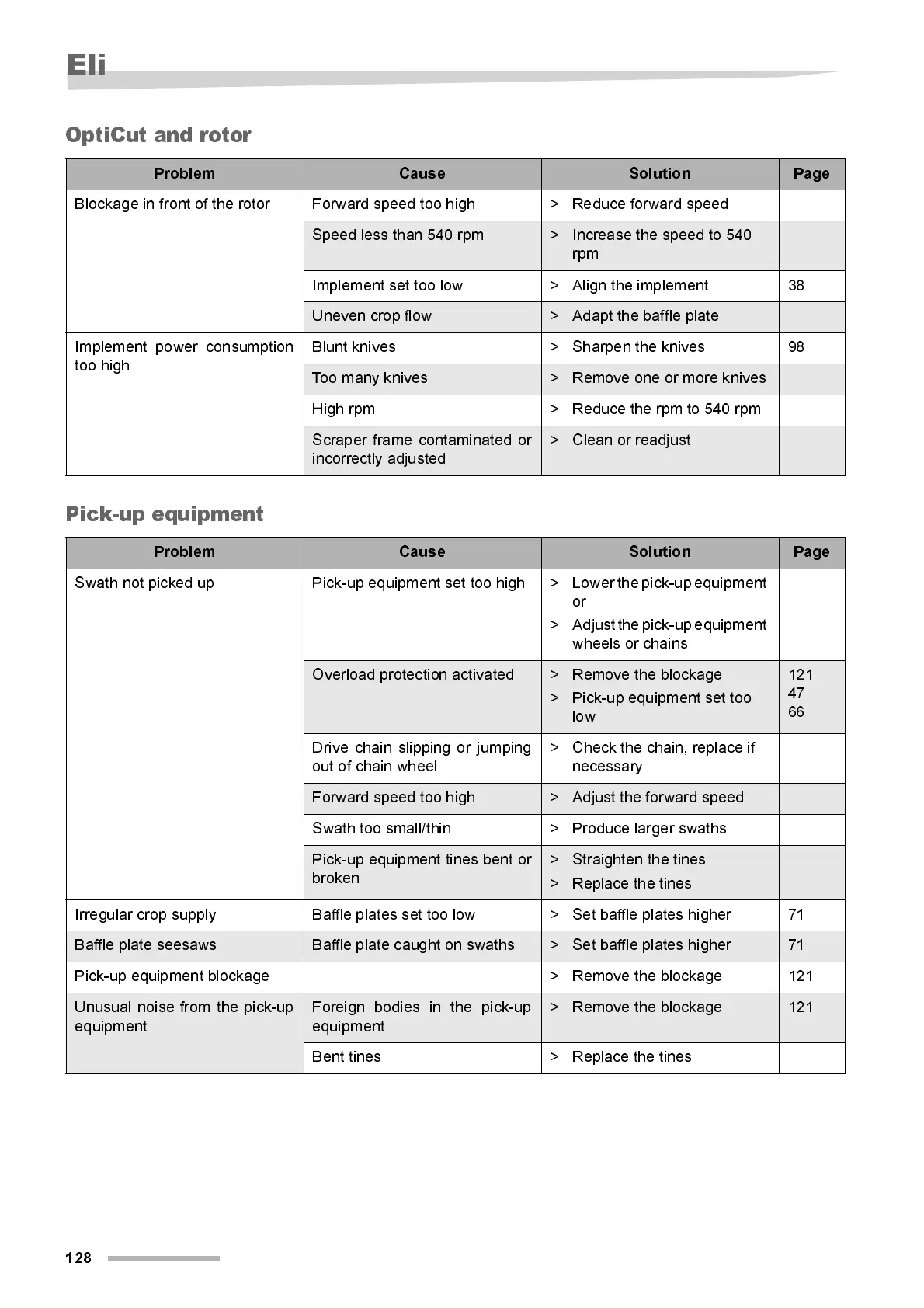
OptiCut and rotor
Pic k- up eq ui pm e nt
Problem Cause Solution Page
Blockage in front of the rotor Forward speed too high > Reduce forward speed
Speed less than 540 rpm > Increase the speed to 540
rpm
Implement set too low > Align the implement 38
Uneven crop flow > Adapt the baffle plate
Implement power consumption
too high
Blunt kni ves > Sharpen the knives 98
Too many knives > Remove one or more knives
High rpm > Reduce the rpm to 540 rpm
Scraper frame contaminated or
incorrectly adjusted
> Clean or readjust
Problem Cause Solution Page
Swath not picked up Pick-up equipment set too high > Lower the pick-up equipment
or
> Adjust the pick-up equipment
wheels or chains
Overload protection activated > Remove the blockage
> Pick-up equipment set too
low
121
47
66
Drive chain slipping or jumping
out of chain wheel
> Check the chain, repl ace i f
necessary
Forward speed too high > Adjust the forwar d speed
Swath too small/thin > Produce larger swaths
Pick-up equi pment ti nes bent or
broken
> Straighten the tines
> Replace the tines
Irr egul ar crop supply Baffl e plat es set too low > Set baffle plates hi gher 71
Baffle pl ate seesaws Baffle plate caught on swaths > Set baffl e plates hi gher 71
Pi ck-up equipment blockage > Remove the blockage 121
Unusual noise from the pick-up
equipment
Foreign bodies in the pick-up
equipment
> Remove the blockage 121
Bent tines > Replace the tines



 To Next Page