52
Preparing for use
> Switch the tractor on.
Switch on the AutoPlus-Pilotbox.
> Press the “ON/OFF” button.
> Press the “INFO” button...
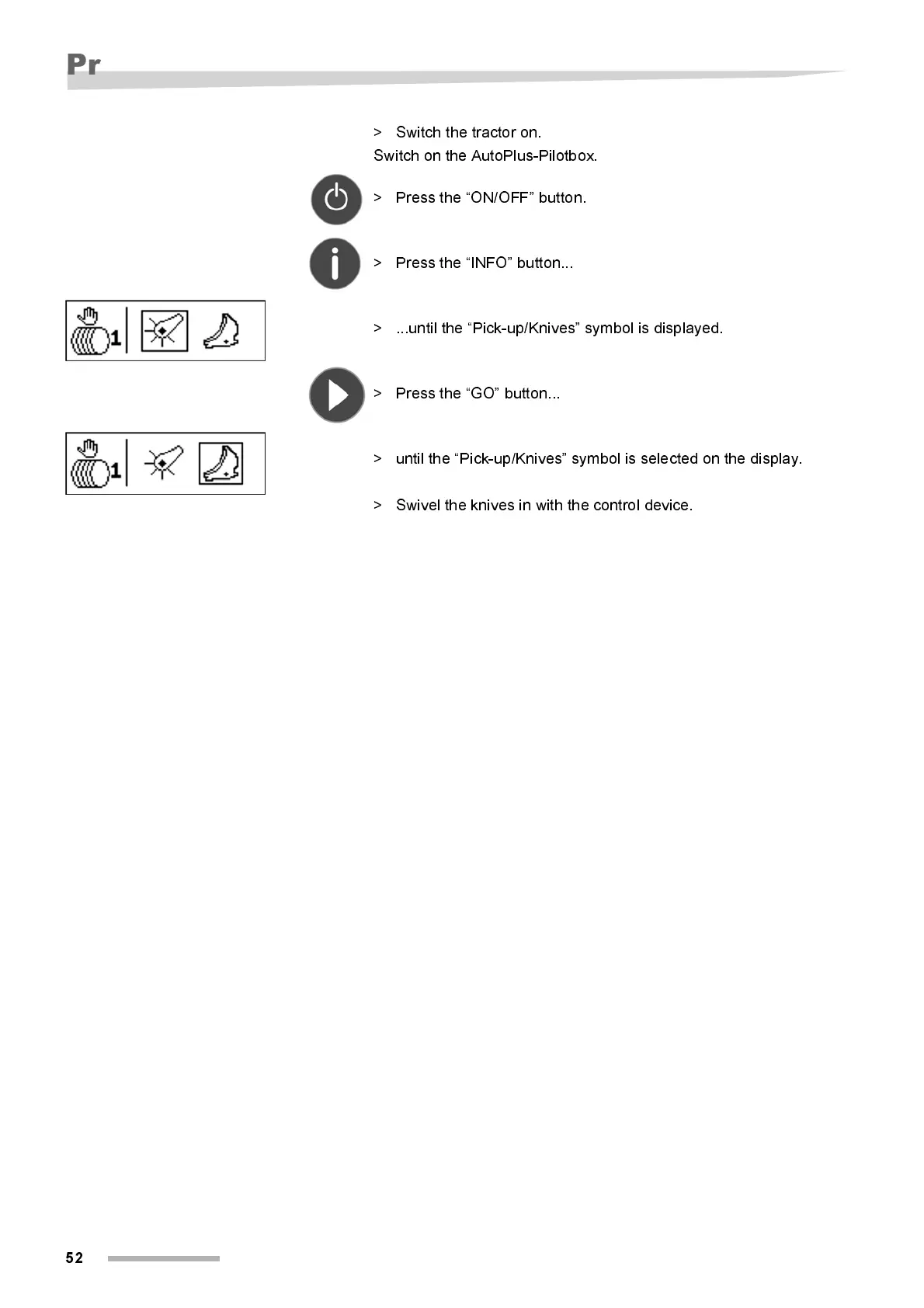
> ...until the “Pick-up/Knives” symbol is displayed.
> Press the “GO” button...
> unti l the “Pi ck-up/Kni ves” symbol is selected on the displ ay.
> Swivel the knives in with the control device.



 To Next Page