Rev AB Using the Tools Screen 4-7
Videojet 8520 Operator Manual
Consumables
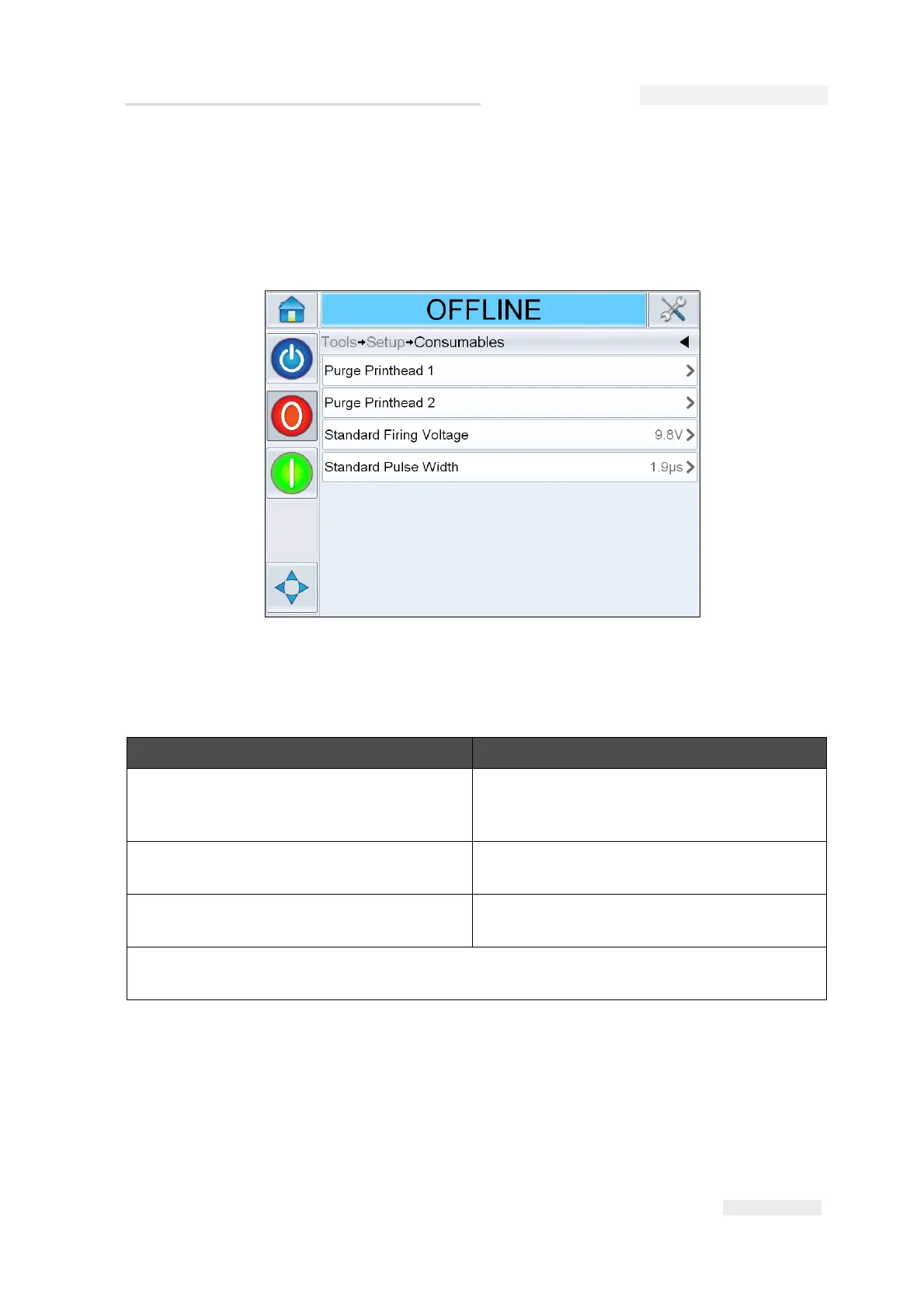
Navigate to Tools > Setup > Consumables (Figure 4-5).
Consumables screen enables the user to purge the printheads and provide
settings for non-authenticated cartridges only.
The Consumables screen allows the user to set the following parameters:
Option Description
Purge Printhead 1-4 Allows the user to purge the printhead. For
more information refer “How to Purge
Printhead” on page 5-17.
Standard Firing Voltage Allows the user to set the required firing
voltage for non-authenticated cartridges.
Standard Pulse Width Allows the user to set the required pulse
width for non-authenticated cartridges.
Note: The firing voltage and pulse width values will revert to their default values when power
cycled and will need to be reset for non-authenticated cartridges.
Table 4-4: Consumables



 To Next Page