Rev AB Using the Tools Screen 4-13
Videojet 8520 Operator Manual
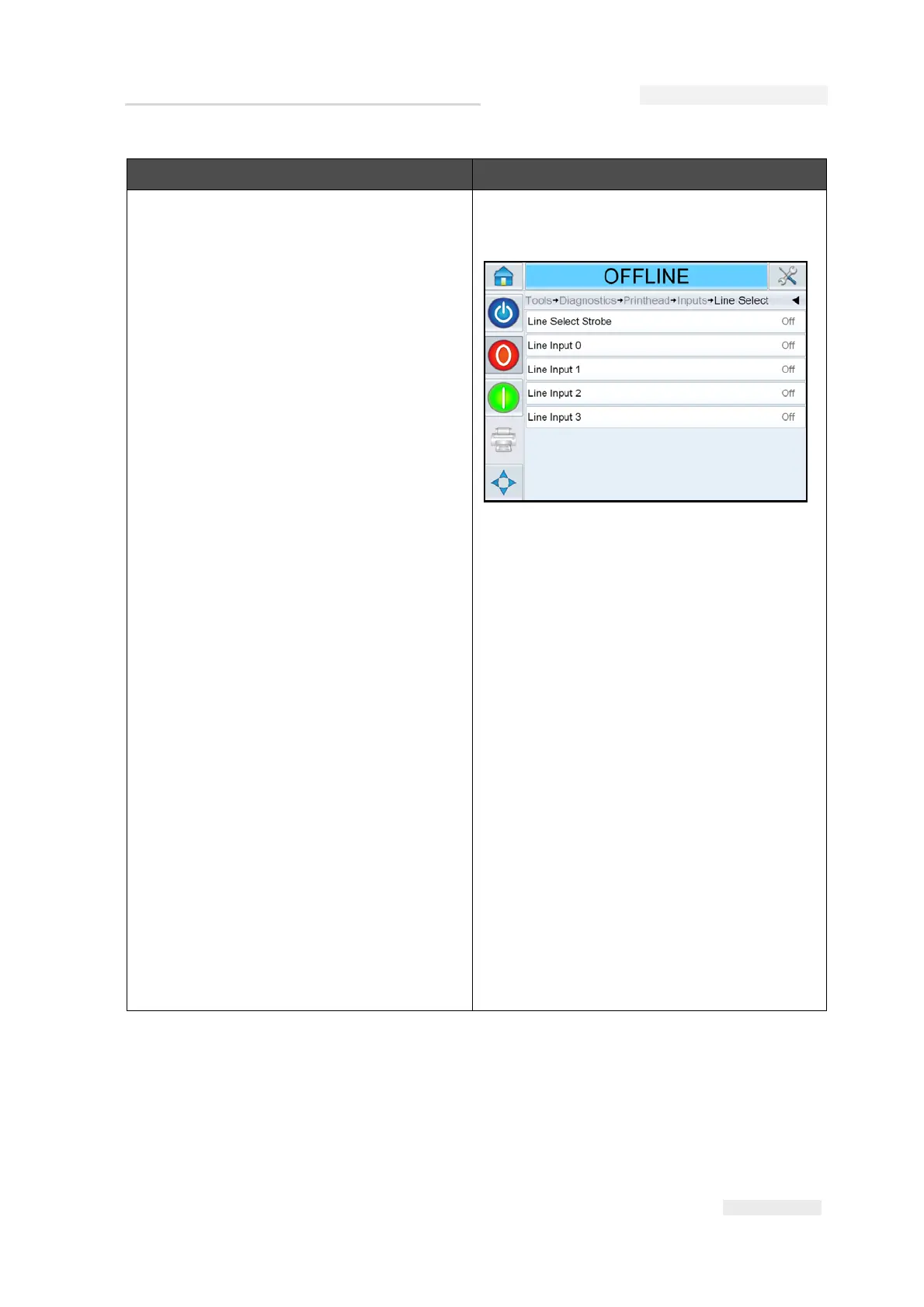
Inputs (continued) Line Select: If the Line Select is enabled on
the controller, the user can assign a job to the
required line.
Printer present: Confirms connections to
printhead.
Configurable Input 1-6: Shows the current
configuration of the input.
Printhead (1-4) Product Detect: Shows the
sensor setting to detect the product at
printhead level.
48 Volts Supply: Displays the available
voltage near the 48 V supply.
24 Volts Supply: Displays the available
voltage near the 24 V supply.
Printhead Volts: Displays the available
Printhead voltage.
Controller PCB Temperature: Displays the
temperature near the controller PCB.
Cartridge (1-4) Temperature: Displays the
cartridge temperature information.
Printhead (1-4) Temperature: Displays the
Printhead temperature information.
Option Description
Table 4-6: Printhead Diagnostics Screen (Continued)



 To Next Page