106 MRIdian® system L-0009 Release 4.5 ViewRay, Inc.
Chapter 5: Prescription and Patient Management
5.6 Editing Patient Information
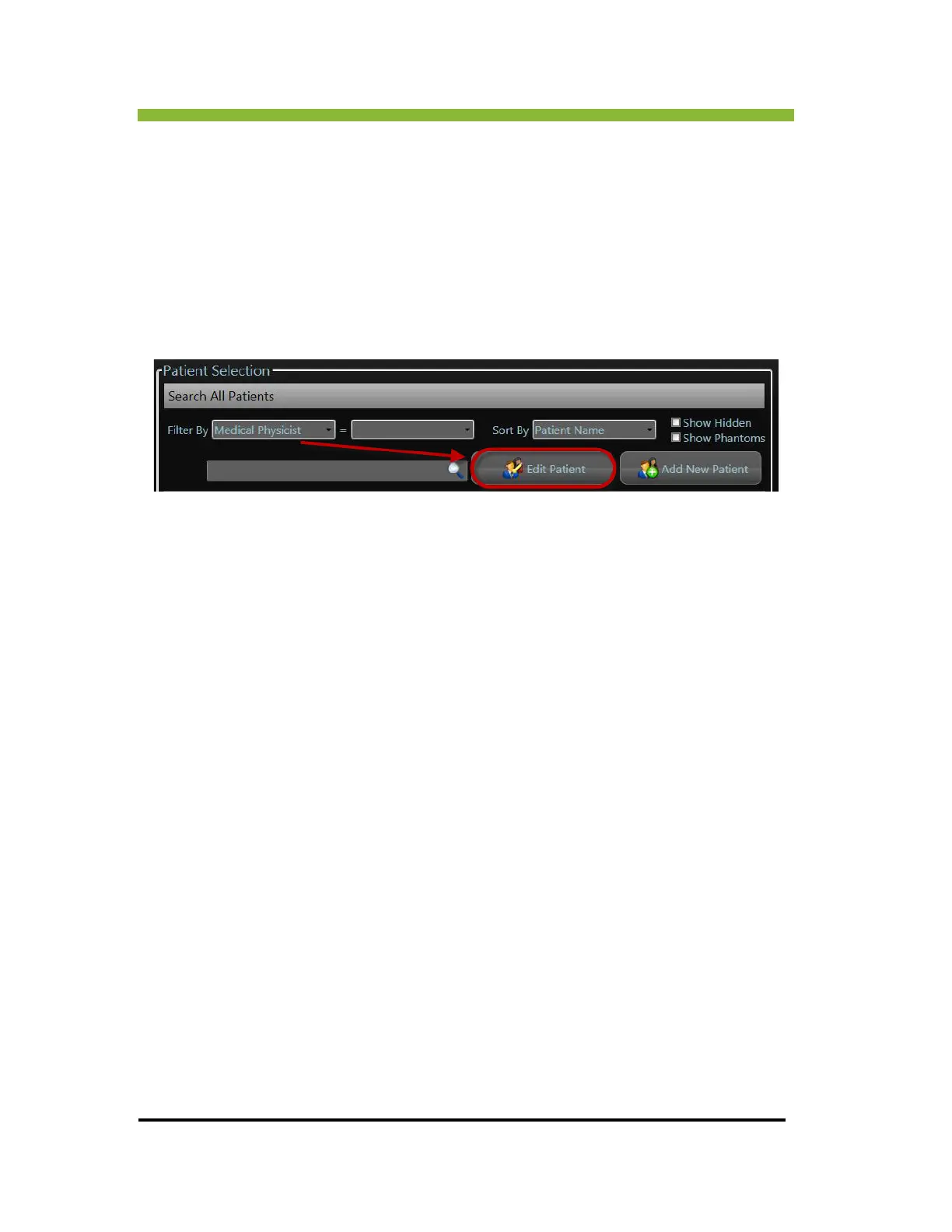
To edit patient information:
1. Select
a patient by Clicking on the patient from the list of patients.
2. Click >
Edit Patient.
The Patient Information box will appear.
3. Add the edits to the patient information.
4. Click >
Save Edits.
An authentication box will appear.
5. En
ter your username and password in the authentication box.
6. Click >
Authenticate.



 To Next Page