ViewRay Inc. MRIdian® system L-0009 Release 4.5 193
Chapter 6: Treatment Planning
6.17.6 Using the Measurement Tools
You can use the measurement tools to calculate the density and coordinates of any point or
to measure the length of any area or structure.
6.17.7 Using the Point Tool
1. Right Click anywhere on the image.
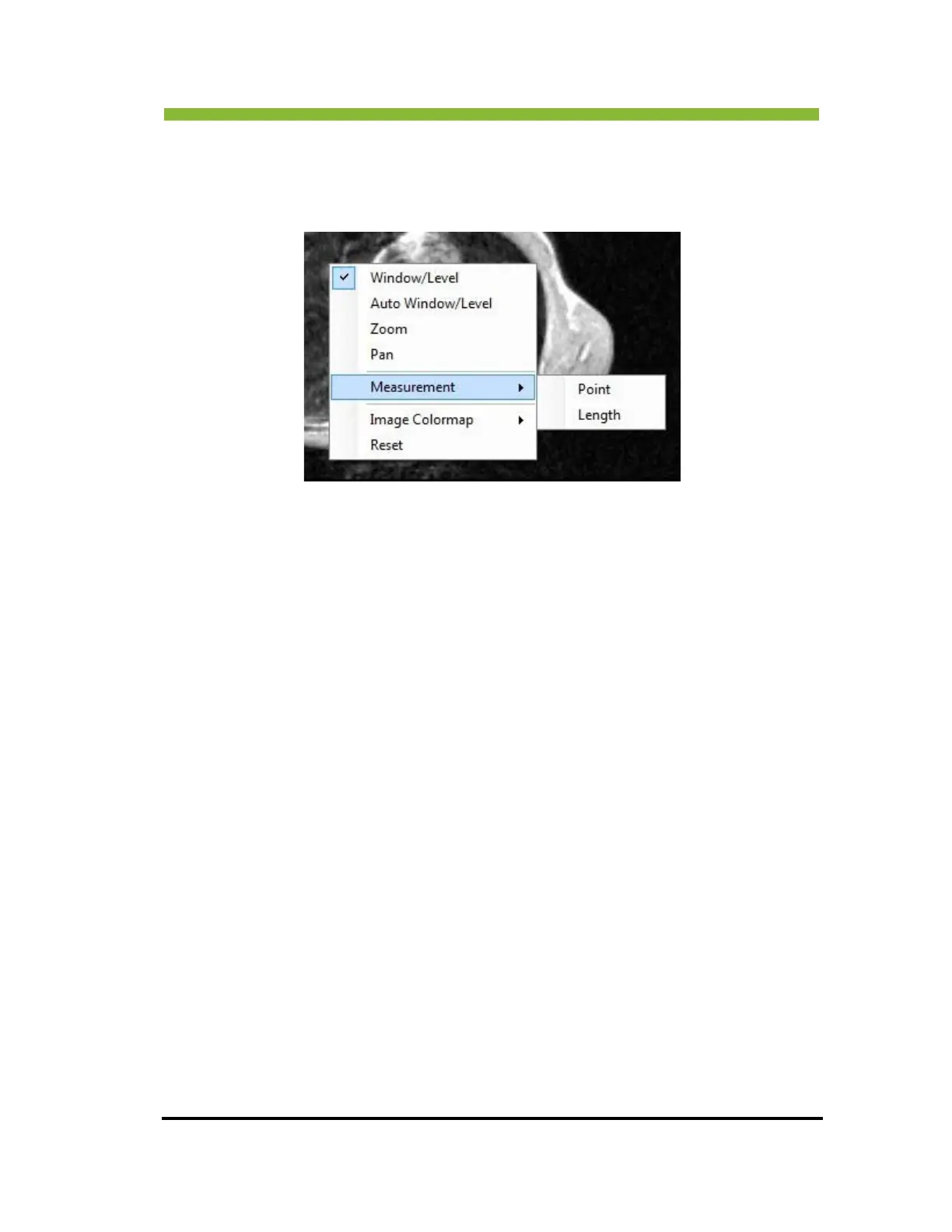
The viewing tools will appear.
2. Click >
Measurement.
The sub-menu will appear with two selections—Point and Length.
3. Click >
Point.
4. Click an
ywhere on the image to designate a Point.
The density and coordinates of the point you selected will be displayed at the
top left corner of the image.
6.17.8 Using the Length Tool
1. Right Click anywhere on the image.
The viewing tools will appear.
2. Click >
Measurement.
The sub-menu will appear with two selections—Point and Length
2. Click >
Length.
3. Click a begin
ning point on the image and drag to the end of the area you want to measure.



 To Next Page