204 MRIdian® system L-0009 Release 4.5 ViewRay, Inc.
Chapter 6: Treatment Planning
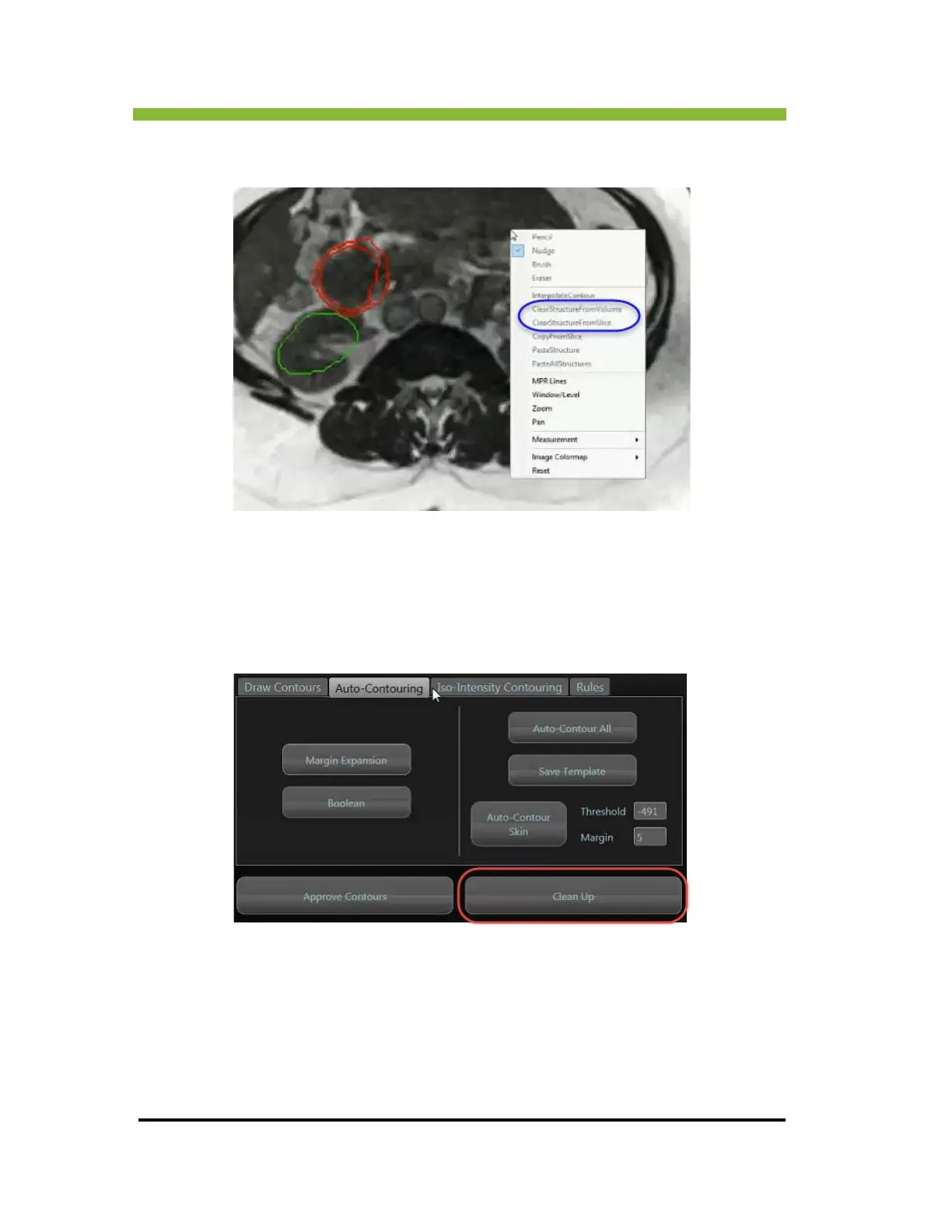
When you right click inside the viewport on the Contour UI, the following context menu
appears and you can choose to Clear a Structure from either a slice or the entire volume.
6.20.7 Using the Clean Up Tools
You can manually use the Clean Up Tools to fill holes, remove islands, and smooth contouring
lines.
1. Click > Clean Up loc
ated below the contouring tools.
The Contour Clean-up information box opens.
2. Check the
boxes next to the structures you want to clean up or Click> Select All.
Specify the volume threshold in centimeters cubed for the size of the holes you want filled
and the islands y
ou want removed. Increase the size as necessary after observing results.



 To Next Page