ViewRay Inc. MRIdian® system L-0009 Release 4.5 243
Chapter 6: Treatment Planning
3. Click > OK.
6.23.7 Deleting Points
To delete points:
1. Click >
Delete from the Point Placement box.
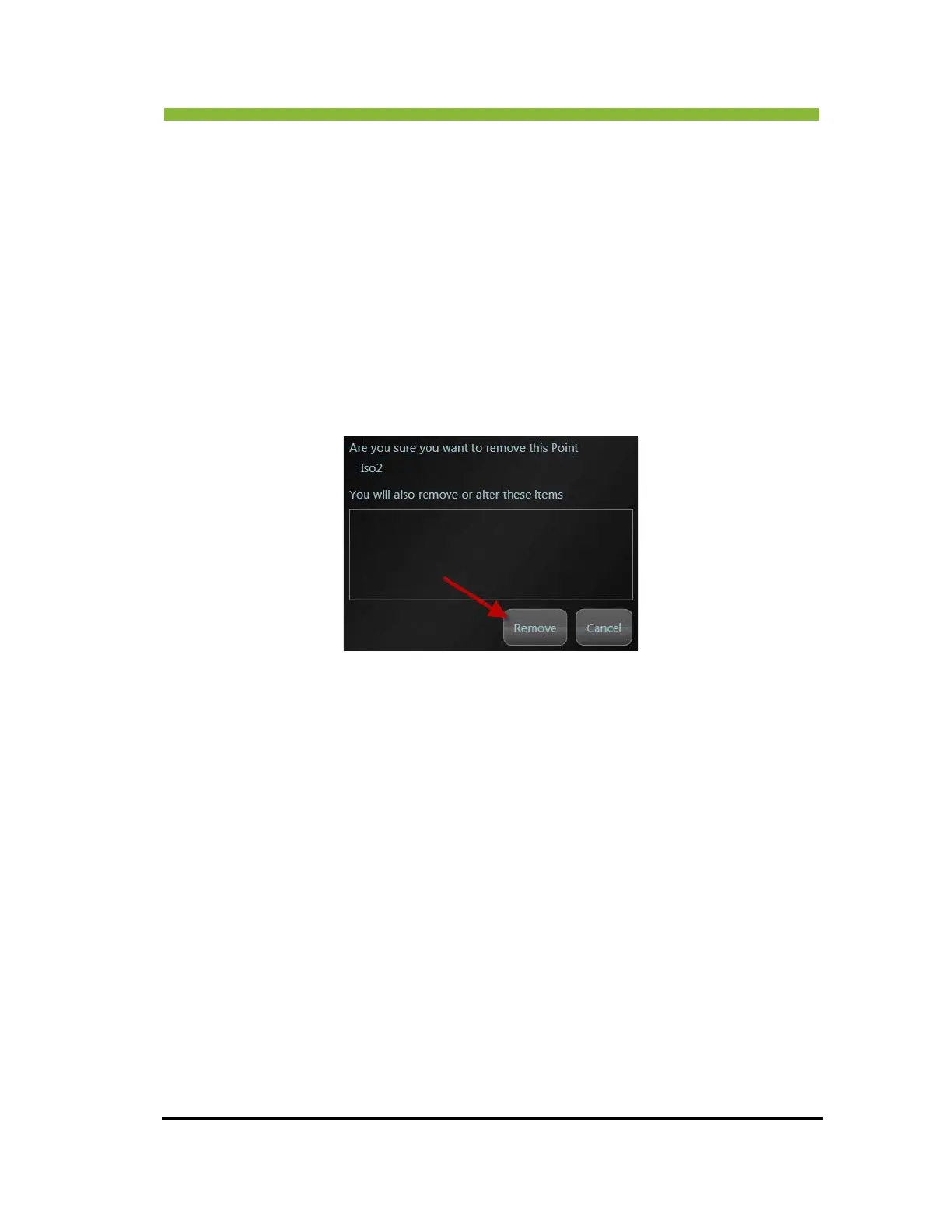
A confirmation box will appear prompting you to verify removal of the point.
2. Click >
Remove
6.23.8 Renaming a Point
To rename a point:
1. Highligh
t the point.
2. Click >
Rename from the Point Placement box.
An information box will appear in the center of the screen.
3. Enter a name.
4. Click >
Set.



 To Next Page