ViewRay Inc. MRIdian® system L-0009 Release 4.5 125
Chapter 5: Prescription and Patient Management
5.14.4 Locking Treatment Fractions
You can lock fractions so they cannot be delivered unless unlocked by an authorized user.
1. Se
lect the fraction or fractions you want to lock by clicking on one fraction or,
you can select several fractions in a contiguous series by doing the following,
click on first fraction, press shift key and then click on the end fraction.
All fractions including the first and those in between the first and last are
selected.
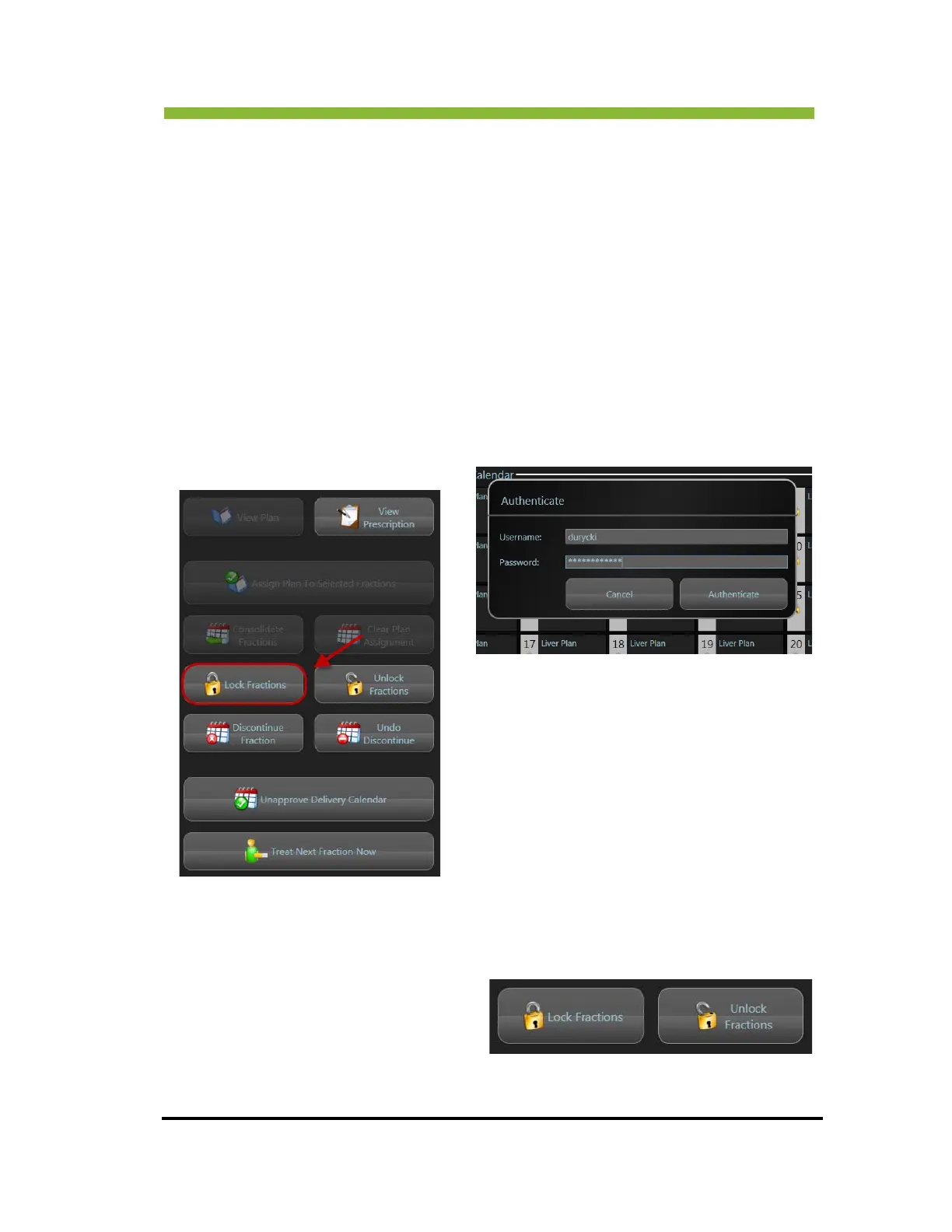
2. Click > Lock Fr
actions.
An authentication information box will open and you must enter your
username and password to proceed with locking the fraction(s).
5.14.5 Unlocking Treatment Fractions
To Unlock Treatment Fractions:
1. From the Delivery Calendar,
Selec
t the fraction(s) you want
to unlock.



 To Next Page