214 MRIdian® system L-0009 Release 4.5 ViewRay, Inc.
Chapter 6: Treatment Planning
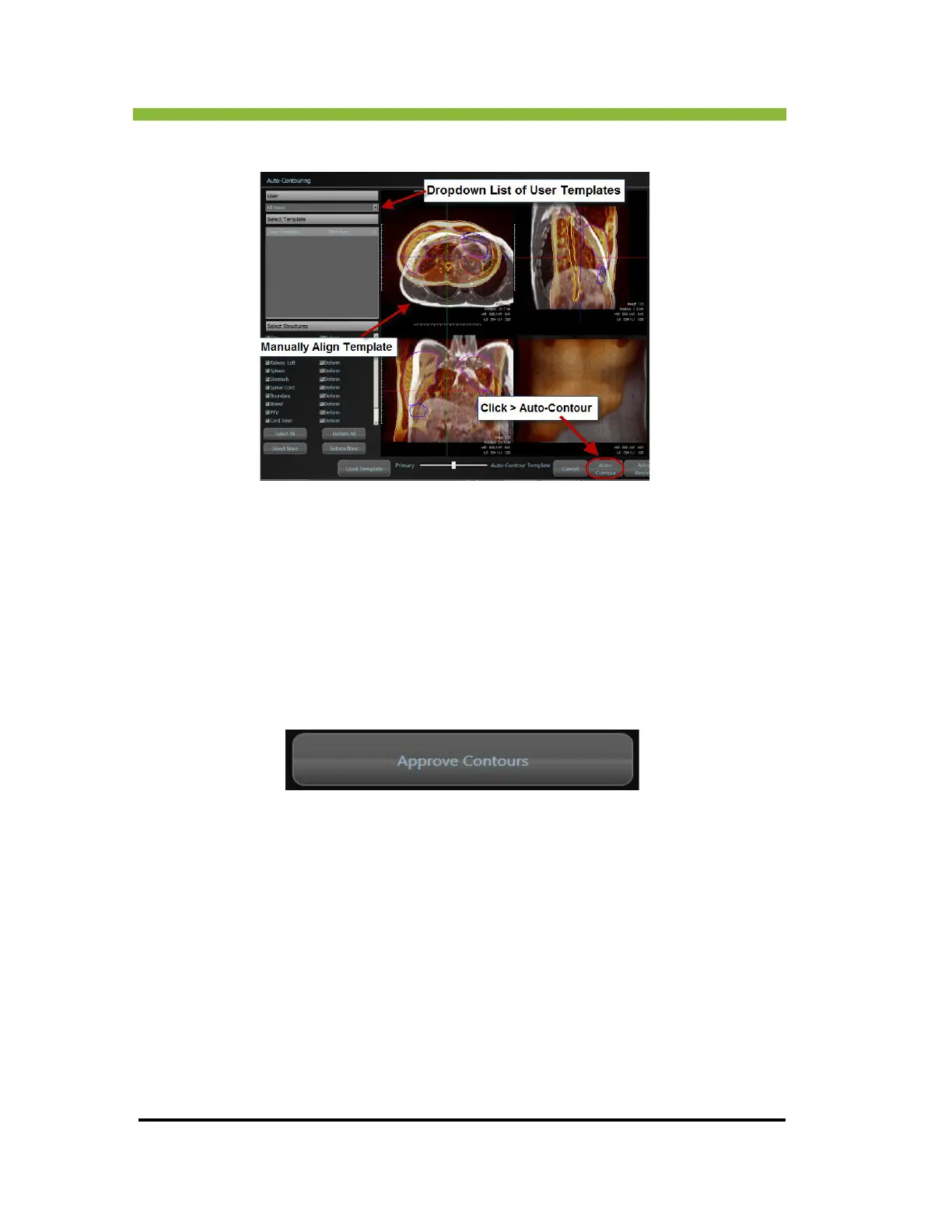
5. Click > Auto-Contour.
A progress bar will appear in the lower right corner of the screen. The system will also
automatically smooth the contours, fill holes, and remove islands. Progress bars for each of
these actions will appear while the respective action is being performed.
6.20.13 Approving Contours
When you are satisfied with the structure contours, go to the bottom center of the screen
and Click > Approve Contours.
The Authenticate box will appear in the center of the screen.



 To Next Page