ViewRay Inc. MRIdian® system L-0009 Release 4.5 313
Chapter 7: Imaging
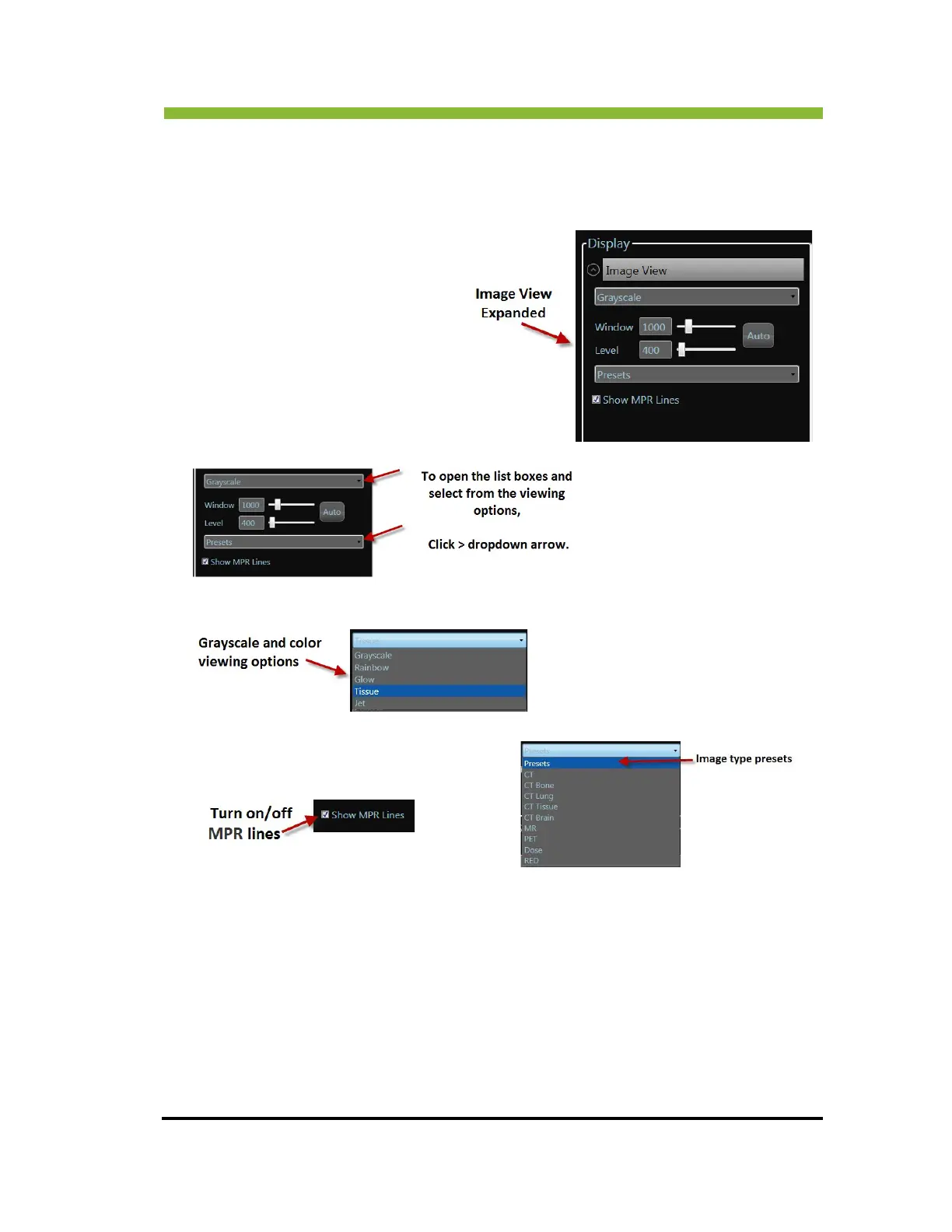
Level sliders for fine tuning the image view and Grayscale, Inverse Grayscale, Rainbow, Glow,
Tissue, and Jet settings.
To open the display options Cl
ick the dropdown arrow on Image View.
7.18 Saving Images
To save an image series
1. In the Sa
ve Images box type in a name for your image series.



 To Next Page