118 MRIdian® system L-0009 Release 4.5 ViewRay, Inc.
Chapter 5: Prescription and Patient Management
5.12.3 Adding a Point Constraint
1. From the Dose Constraints group box Click > Add Point Constraint.
Three empty boxes will appear.
2. In the box on the left add the name of the Po
int.
3. In the middle box add the Minimum G
y allowed to be delivered to the point.
4. In the last box add the Ma
ximum Gy allowed to be delivered to the point.
The system will check for incompatible constraints and alert you to change
the
m.
5.13 Adding a Primary Reference
You must add the primary reference to a Volume or a Point.
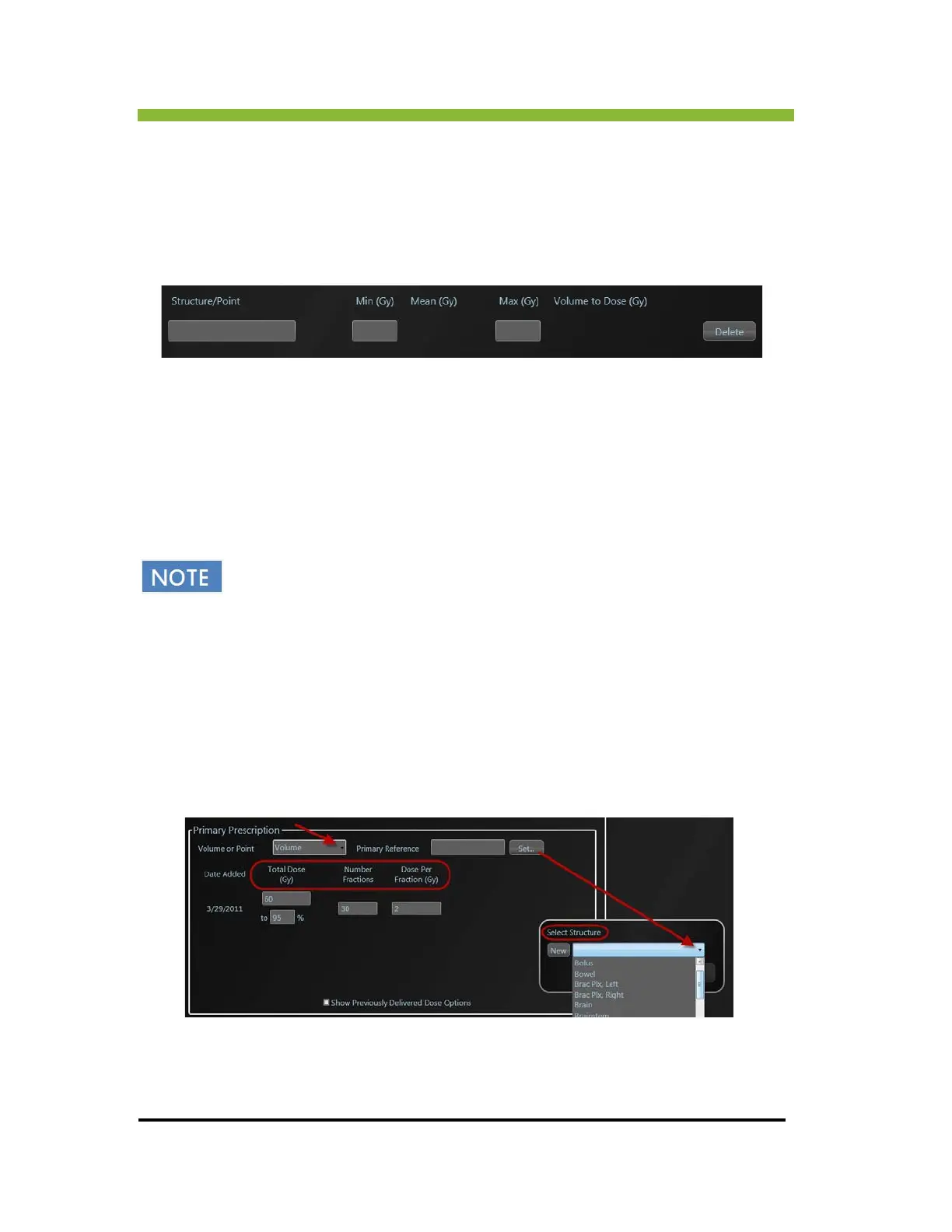
1. Click >
dropdown arrow in the Primary Prescription information box.
2. Select either Volume or Point from the dropdown menu.



 To Next Page