ViewRay Inc. MRIdian® system L-0009 Release 4.5 373
Chapter 9: Treatment Delivery
PLAN Button
Pressing ENABLE +
PLAN moves the couch to align the virtual isocenter to the room lasers
The LED Plan button is GREEN when the couch is at Plan Position.
The LED is YELLOW when the couch is not at Plan Position.
HOME Button
Pressing ENABLE + HOME mov
es the couch to the HOME position (fully retracted from bore,
centered laterally and -20cm below isocenter). The couch will move sequentially in the
following order: Longitudinal, Lateral, Vertical.
The HOME LED is GREEN when the couch is at the Home position (0, 0, -20).
The LED is YELLOW when the couch is not at the Home position.
9.20 Delivering a Multi-Isocenter Plan
All multi-isocenter plans must have setup imaging set to Required in the
Treatment Options on the patient’s prescription. See “Using Treatment Options”
on page 113
Set up your patient and deliver treatment to the first isocenter.
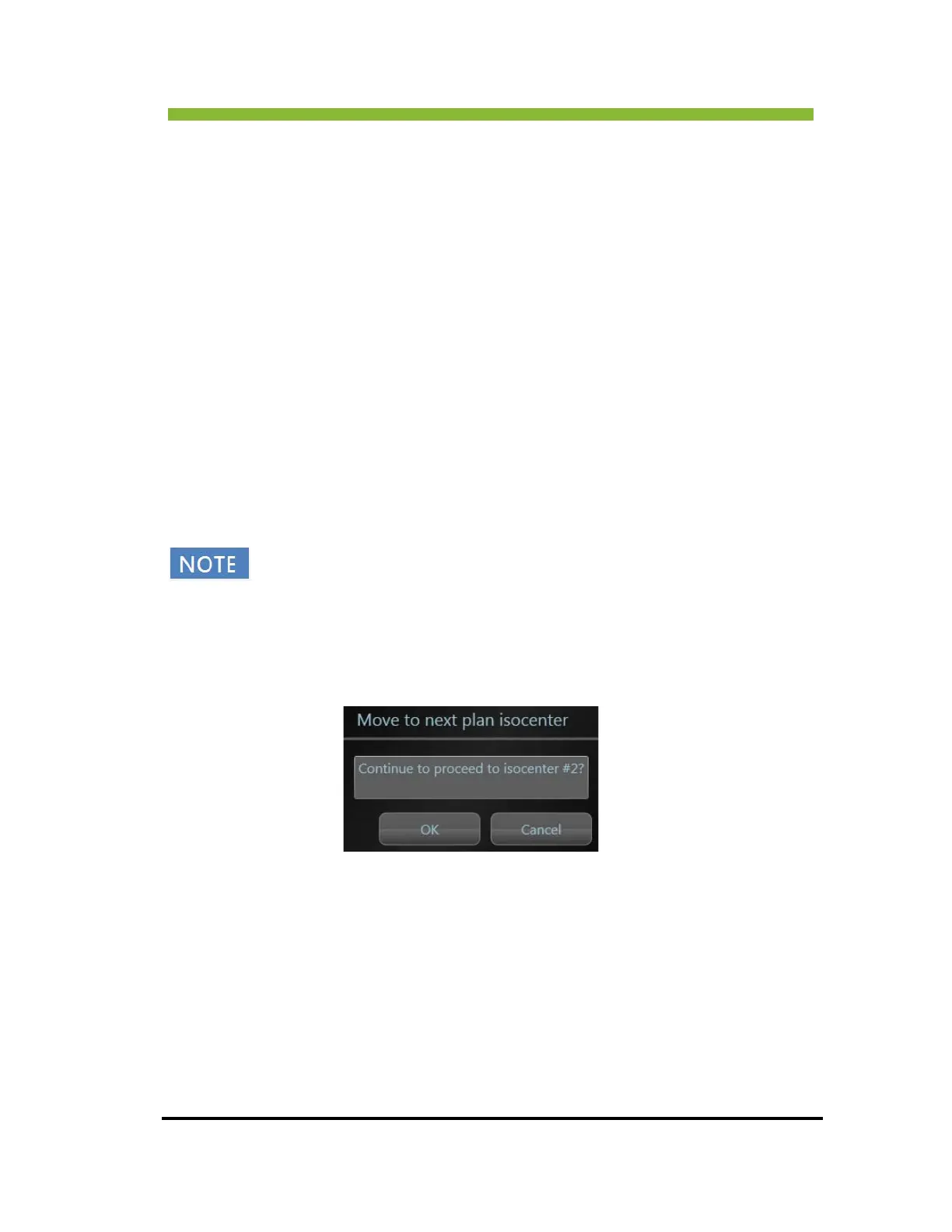
After treatment has been delivered to the first isocenter the system will display Mov
e to next
plan isocenter.



 To Next Page