ViewRay Inc. MRIdian® system L-0009 Release 4.5 253
Chapter 6: Treatment Planning
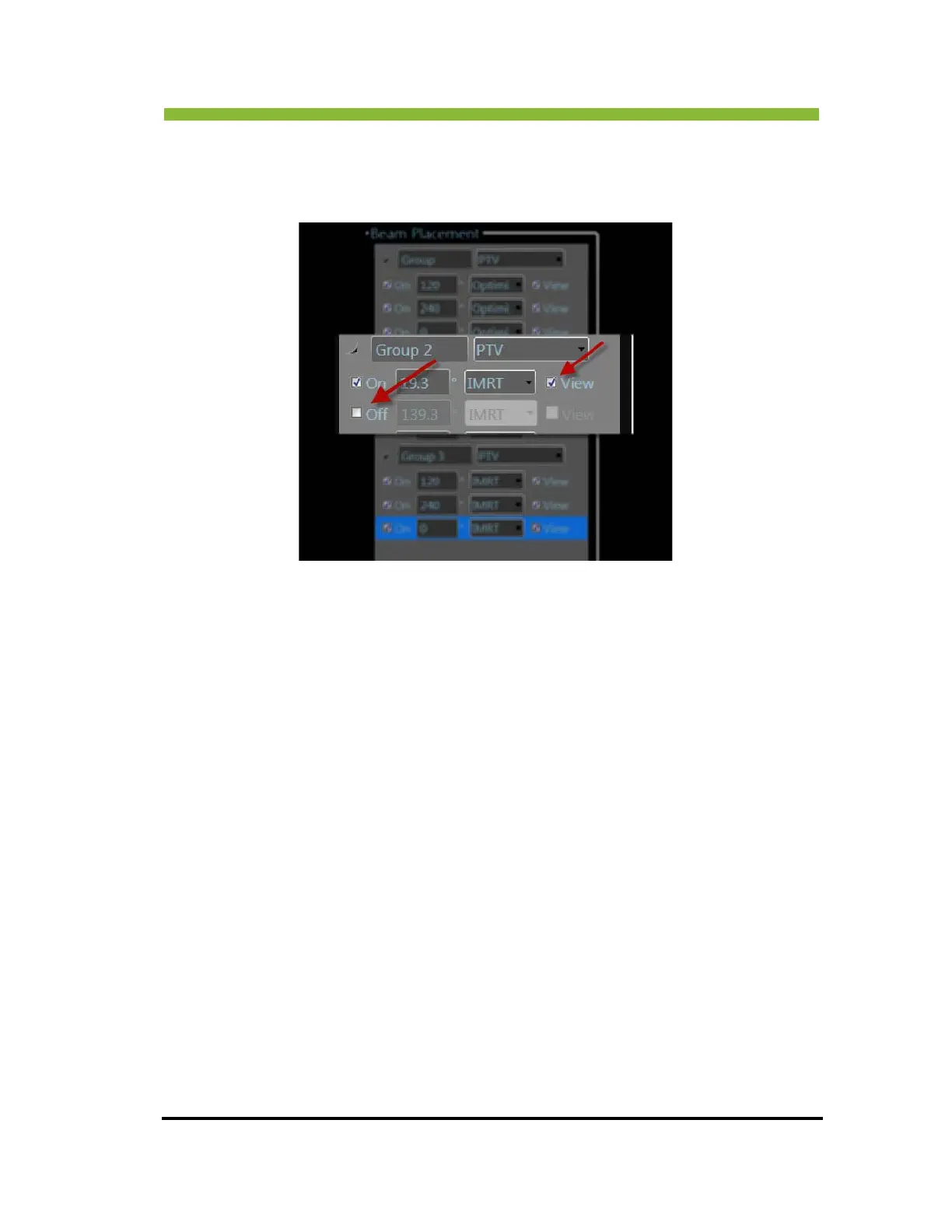
You can turn off individual beams by clicking in the check box next to the beam. Checking
and unchecking the View box is for beam visualization only. Unchecking the View box will not
turn off beams; it will only hide them from on-screen visualization.
6.26 Setting MLCs for Conformal Beams
To set the beam shape for conformal beams:
Click > Beam’s Eye View a
t the top of the Beam screen
The Multi
leaf Collimator Setup screen will open.



 To Next Page