ViewRay Inc. MRIdian® system L-0009 Release 4.5 357
Chapter 9: Treatment Delivery
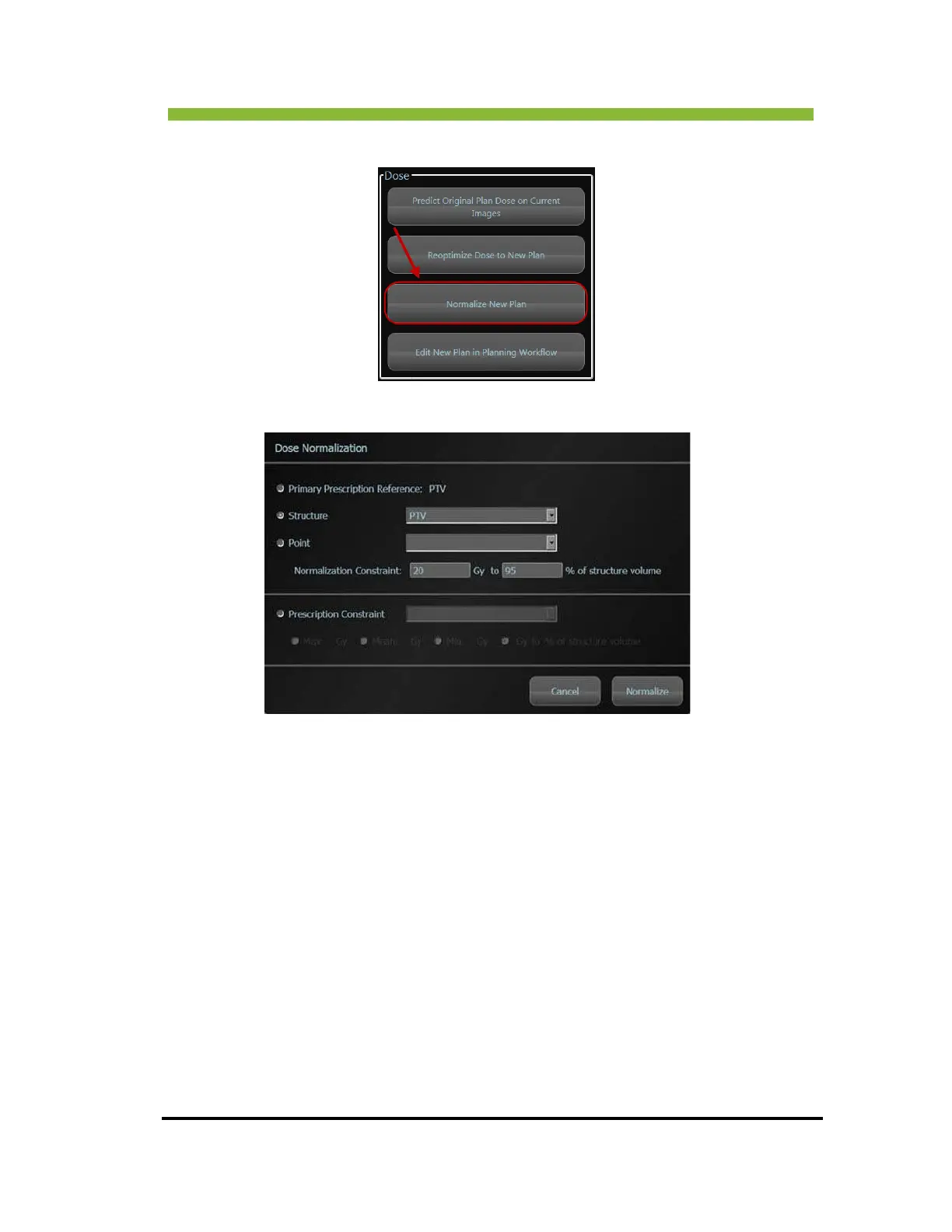
1. Click > Normalize New Plan from the Dose group box.
An information box opens.
2. Choose the normalization parameter—Primary Prescription Reference,
Structure, Point, or Prescription Constraint.
3. Cl
ick > Normalize.
The new plan is normalized to the parameter(s) you chose.
9.11 Editing New Plan in Planning Workflow
You can go back to the planning workflow and edit any part of the treatment plan.



 To Next Page