360 MRIdian® system L-0009 Release 4.5 ViewRay, Inc.
Chapter 9: Treatment Delivery
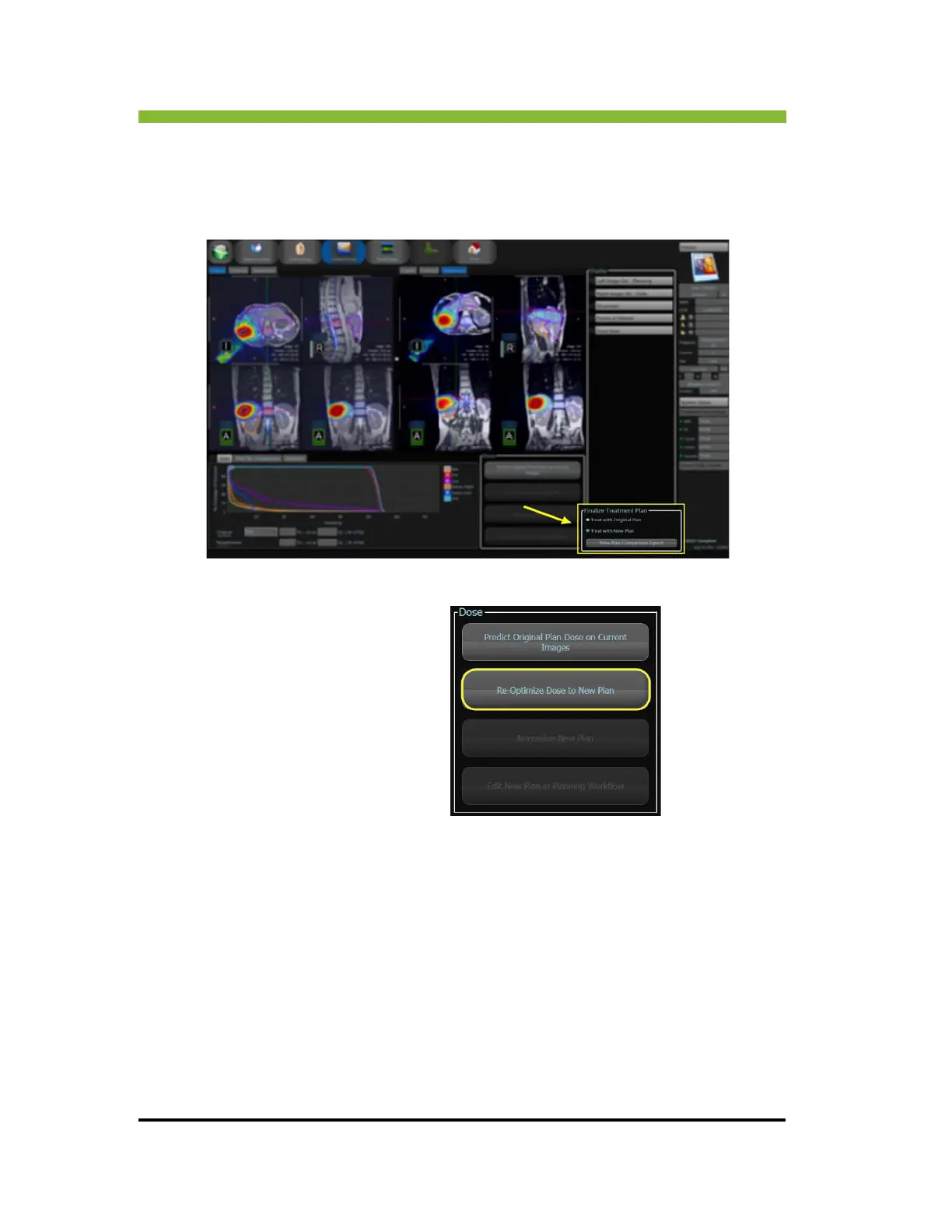
9.13 New Plan Comparison Export
On the Predict Dose screen, after reoptimizing the dose and authenticating it for delivery, you
can export the plan data and run an external dose calculation simulation.
1. Click > Reoptimize Dose to New Plan.
Progress bar appears.
2. Click
> Treat With New Plan button.
An authentication box appears.
3. Authen
ticate the New Plan for Delivery.
The Sa
ve As box appears.
4. En
ter a new name for the plan.
5. Click >
Save As.
6. Click >
New Plan Comparison Export.
The plan is e
xported to H:/DoseQA/<PatientID>/<Diagnosis>_Frac<xx.xx> and can be can
be used to run an external dose calculation simulation.



 To Next Page