302 MRIdian® system L-0009 Release 4.5 ViewRay, Inc.
Chapter 7: Imaging
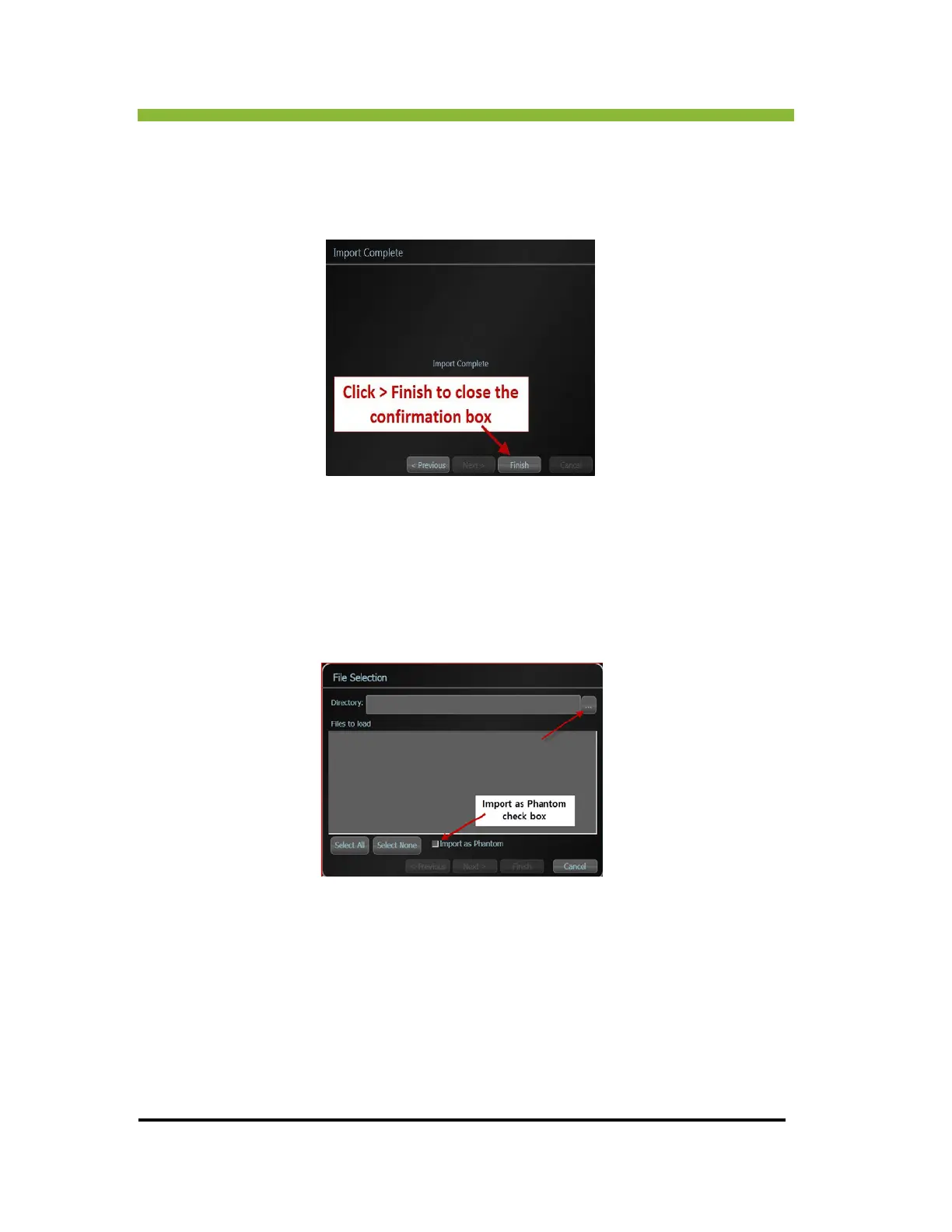
You will get a confirmation box when the import is complete.
9. Click > Finish
to close the confirmation box.
7.6 Importing DICOM Images from Files
If you choose a File import the File Selection box will open.
1. Click >
ellipsis button to browse for a folder.



 To Next Page