ViewRay Inc. MRIdian® system L-0009 Release 4.5 303
Chapter 7: Imaging
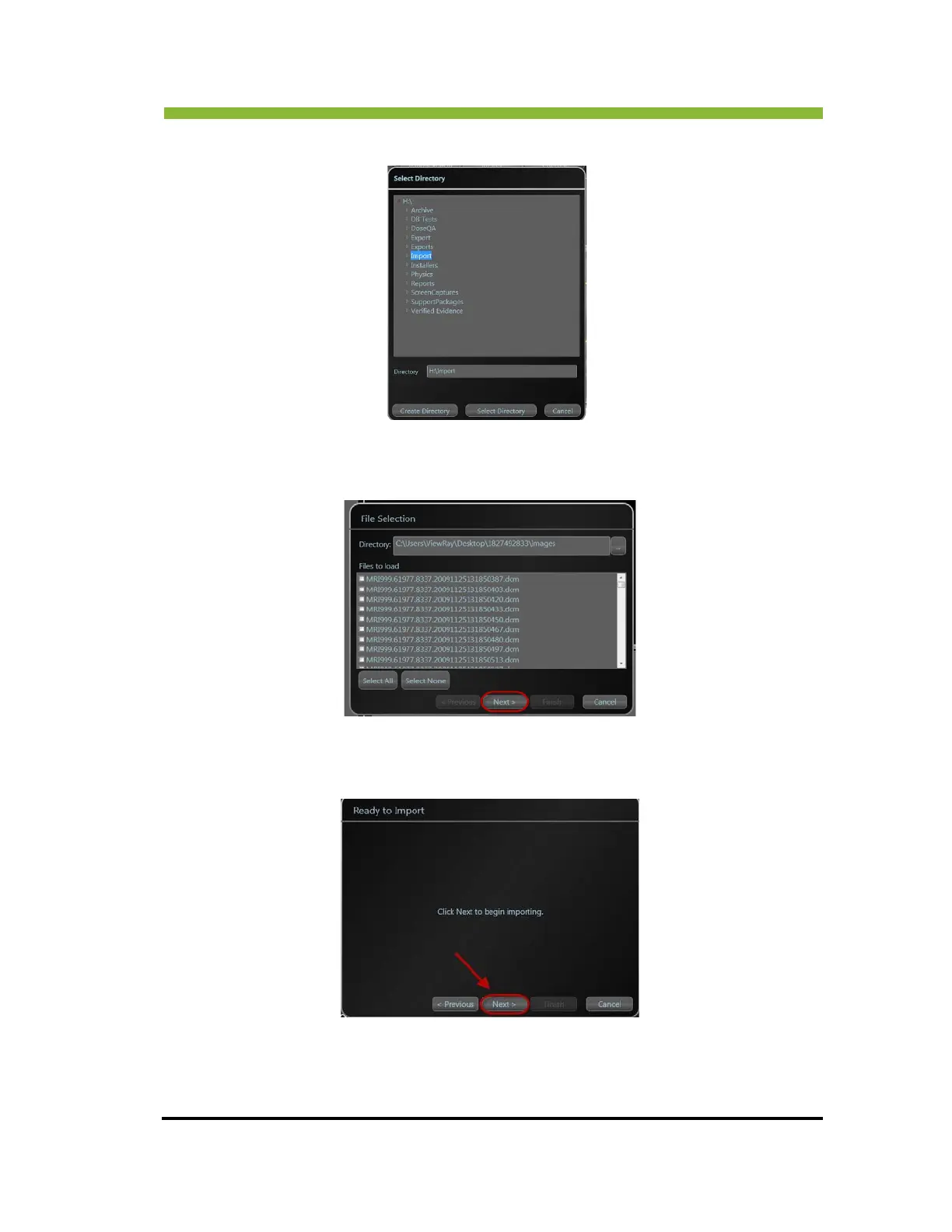
The Select Directory box opens.
2. Select a location.
The File Selection box will open.
3. Select the files you want to import using the check boxes next to the file names, or
the Select All button and Click > Next.
The Ready to Import box opens.
4. Click > Next.
The Importing progress bar appears.



 To Next Page