ViewRay Inc. MRIdian® system L-0009 Release 4.5 337
Chapter 9: Treatment Delivery
9.4 Loading the Plan for Delivery
After retrieving the patient you can load the patient’s plan for delivery.
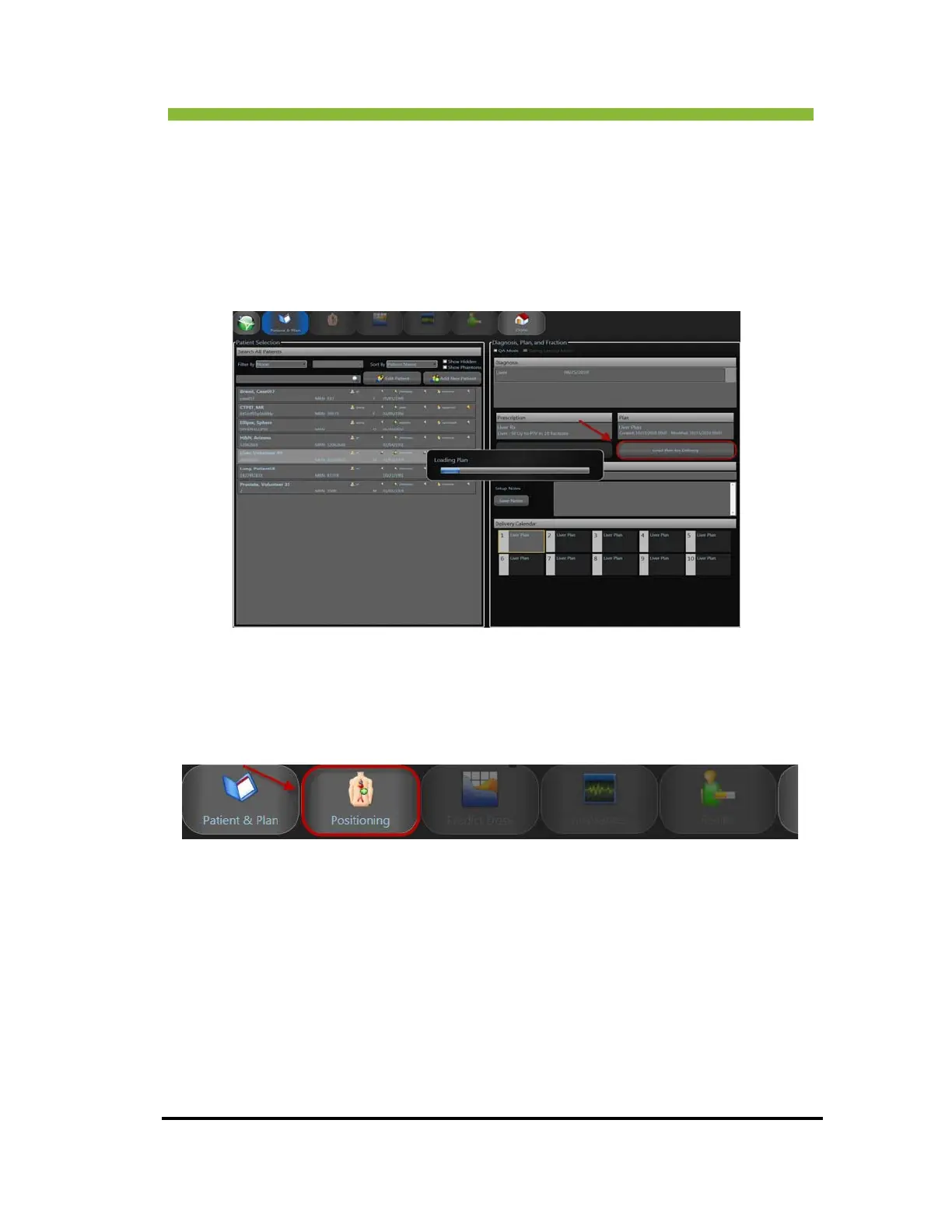
1. Click > the Diagnosis a
ssociated with the Plan you want to load.
A listing for the patient’s Prescription, Plan and Delivery Calendar will
appear in the group boxes.
2. Click >
Load Plan for Delivery.
A progress bar will appear.
When the progress bar closes, the plan will be loaded and the Po
sitioning screen will be
enabled.
3. Click the Positioning tab on the menu bar to go to the Positioning screen to position your
patient for treatment.
9.4.1 Treating More than One Daily Fraction
When you try to load a second fraction for delivery for the same patient on the same day you
will receive a warning that the patient was ALREADY TREATED TODAY.



 To Next Page