ViewRay Inc. MRIdian® system L-0009 Release 4.5 123
Chapter 5: Prescription and Patient Management
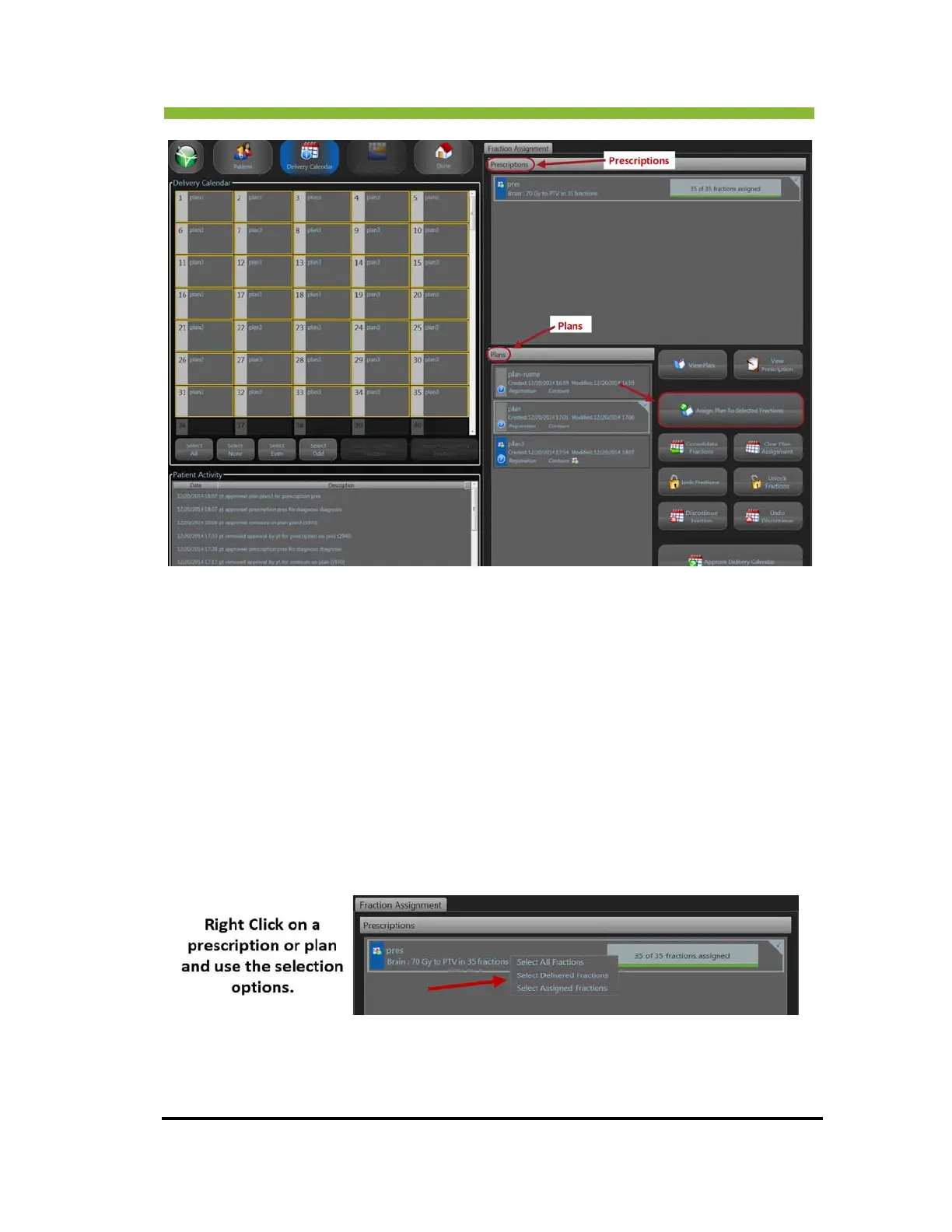
3. Select the prescription.
Plans for that prescription will load and appear in the Plans list.
4. Select the plan y
ou want to assign to fractions.
5. Select the fir
st fraction and Hold down > Shift key and Select last fraction. All
fractions between will be selected.
6. Click > Assign Plan t
o Selected Fractions from the command buttons on the
right side of the screen.
Y
ou can also use the Select All, Select Odd, and Select Even buttons at the
bottom of the Delivery Calendar, or use the option below.



 To Next Page