ViewRay Inc. MRIdian® system L-0009 Release 4.5 395
Chapter 10: Quality Assurance
2. Select a patient from the Patient List
3. Click
> Select Patient.
All appr
oved plans for that patient will appear in the Select Plan to Convert list.
4. Select a p
lan from Select Plan to Convert list.
5. Select
a phantom from the Select Phantom list.
6. Click >
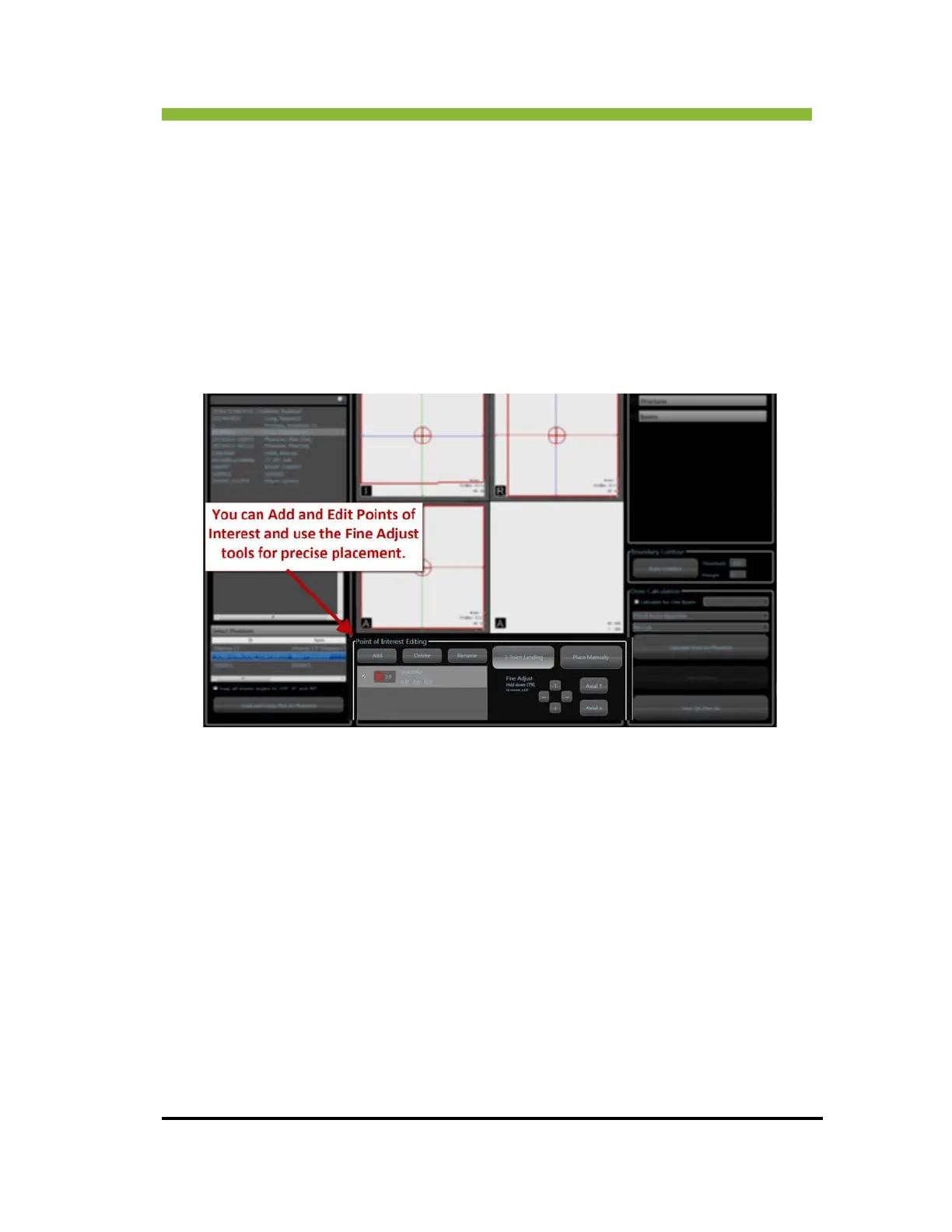
Load and Copy Plan to Phantom.
The Loading Plan progress bar appears. When it closes the plan will be loaded
and copied to the phantom



 To Next Page